My win7 in on an SSD. My HDD (for data) had been working fine for years. After win7 had frozen, I pressed the reset button. When the maching was booting, it took a very long time at "Detect IDE drives...". In Windows, Disk Management could NOT detect my HDD.
I thought that my HDD had crashed. But the BIOS CAN see the HDD! What's more, when I booted from MiniTool Partition Wizard bootable cd, the software could see my HDD partitions and, when I clicked on a partition and selected Explore (How to Explore Partition | MiniTool Partition Wizard Tutorial), I saw my files!
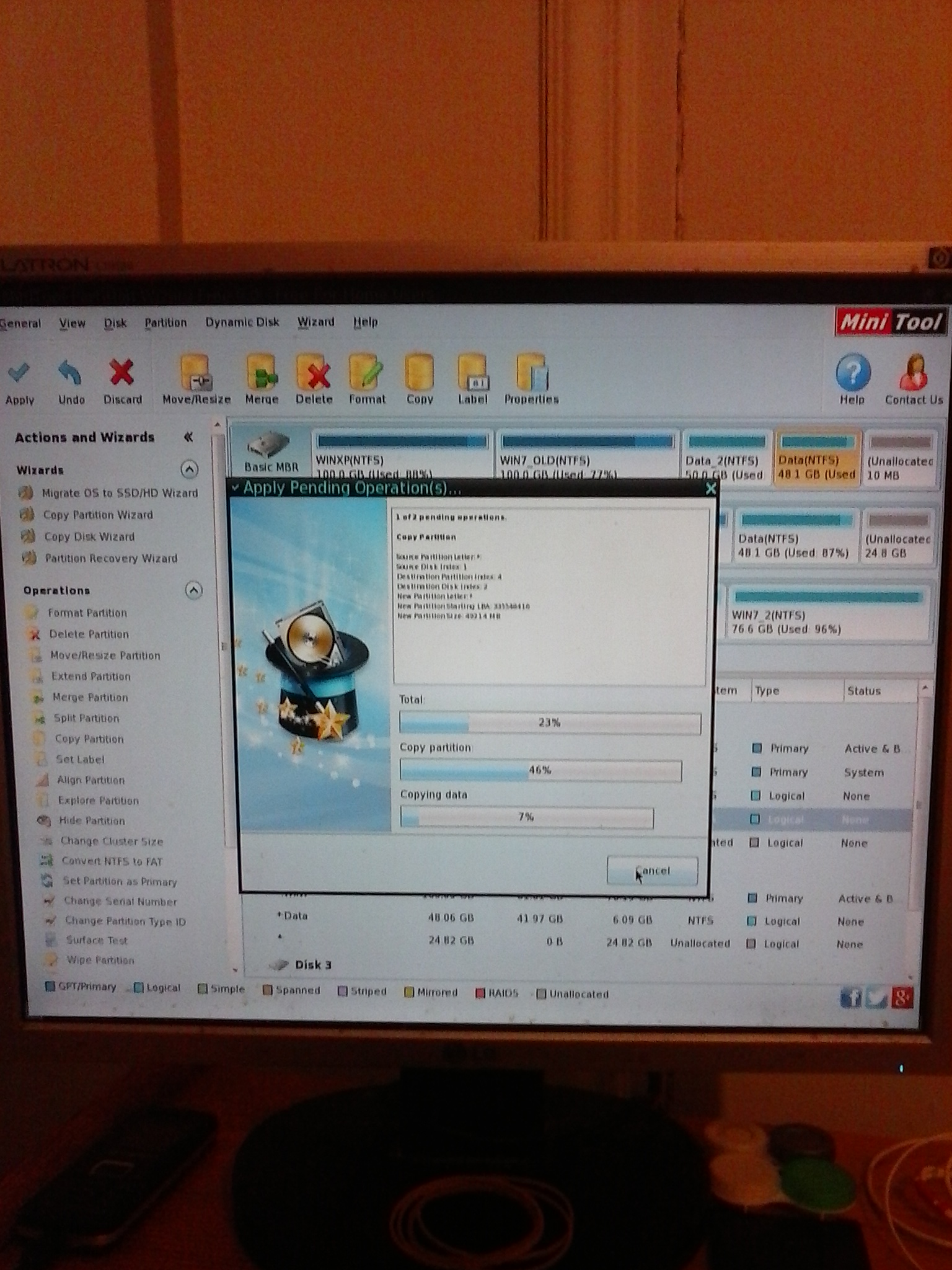
But when I tried to Copy a partition (How to Copy Partition | MiniTool Partition Wizard Tutorial) from the HDD to the SSD (it has unallocated space), the process stoped at 15%. I waited for 15', clicked Cancel, nothing happened and I pressed reset.
1)How can I copy the partition successfully from the HDD? Should I wait more time? How much?
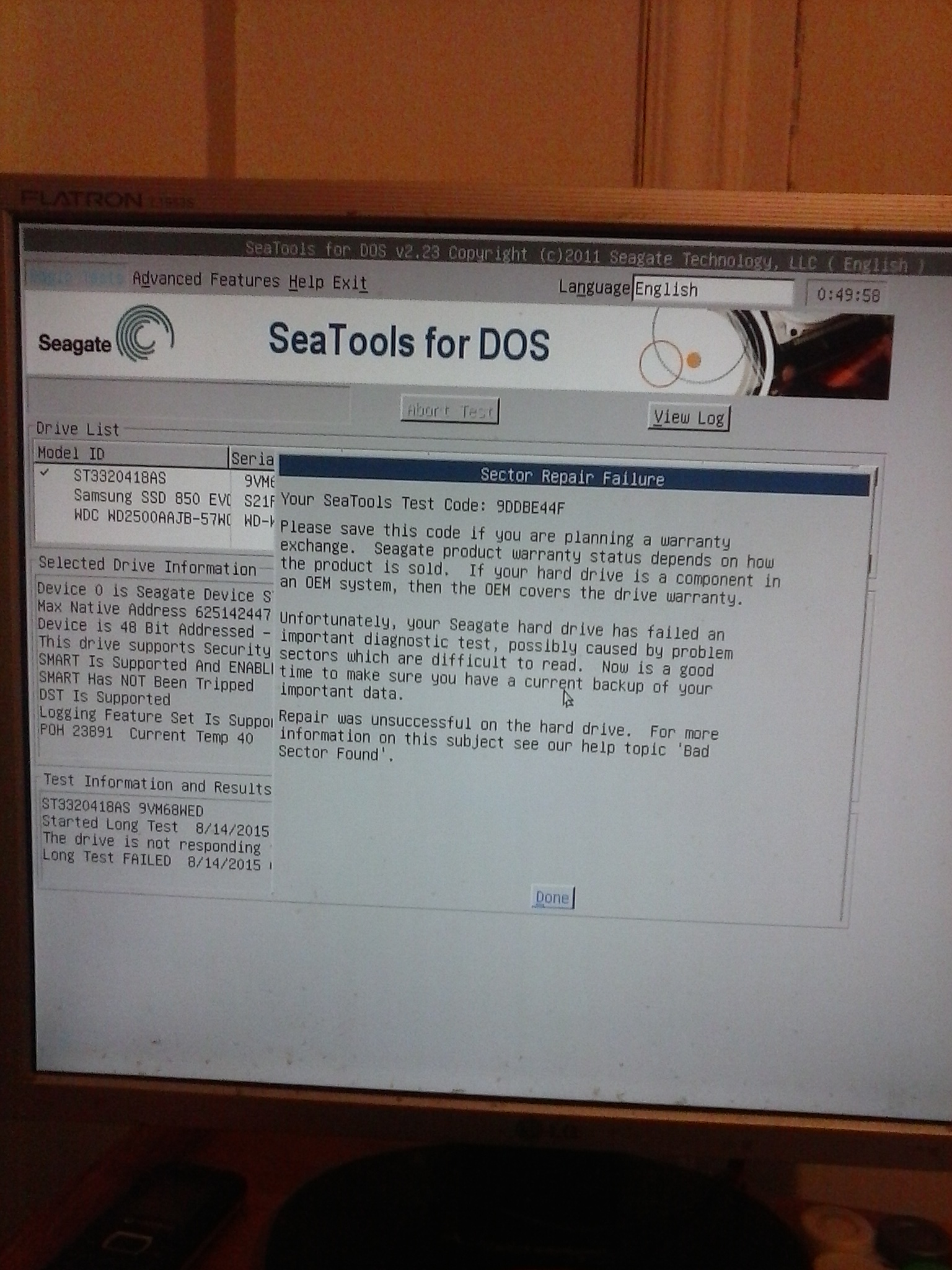
2)Do you think my HDD is health enough to read the data? How can I read the data?
Thanks
I thought that my HDD had crashed. But the BIOS CAN see the HDD! What's more, when I booted from MiniTool Partition Wizard bootable cd, the software could see my HDD partitions and, when I clicked on a partition and selected Explore (How to Explore Partition | MiniTool Partition Wizard Tutorial), I saw my files!
But when I tried to Copy a partition (How to Copy Partition | MiniTool Partition Wizard Tutorial) from the HDD to the SSD (it has unallocated space), the process stoped at 15%. I waited for 15', clicked Cancel, nothing happened and I pressed reset.
1)How can I copy the partition successfully from the HDD? Should I wait more time? How much?
2)Do you think my HDD is health enough to read the data? How can I read the data?
Thanks
Last edited:
My Computer
- Computer type
- PC/Desktop
- OS
- Windows 7 Professional 342it