- Local time
- 12:57 PM
- Messages
- 50,634
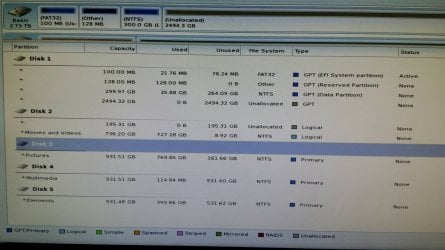
Yes, rightclick it to Burn (or Send to) with Windows Image Burner to CD. Boot and make sure we see everything when you snap pics.

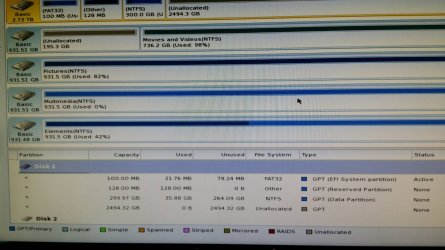
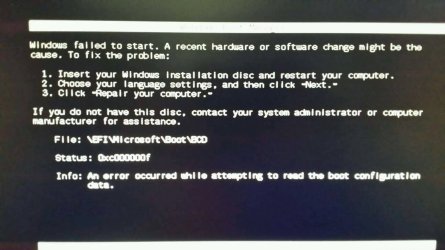
i got a windows could not start screen giving me either repair or start windows normally. I chose normally and it boots.
i got a windows could not start screen giving me either repair or start windows normally. I chose normally and it boots.
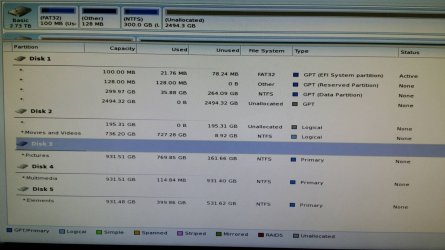
So the system booted to the Desktop with all the slave disks plugged ?.
I specifically asked you to post a picture of the choices available if you disable CSM in BIOS setup. For some reason you thought you could just ignore that step as though I had not even typed it. Why?
Please do that now. I'm tired of giving you steps that you ignore. Even if you don't care, others will need to know what choices must be made to run Win7 successfully on this model.
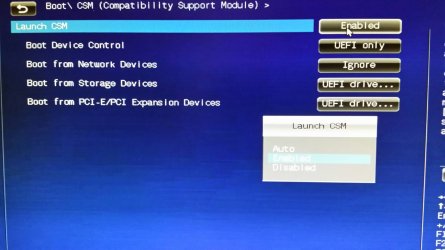
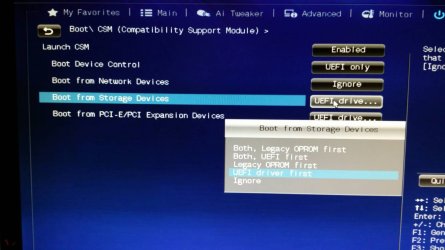

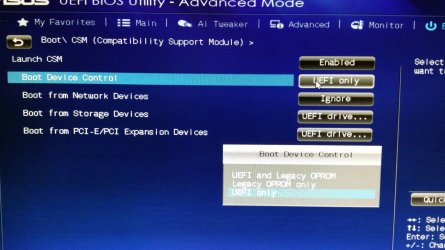
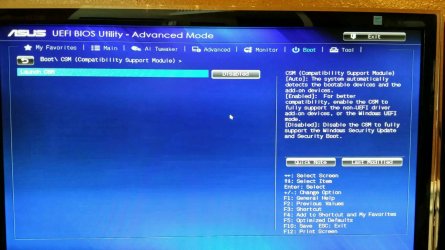
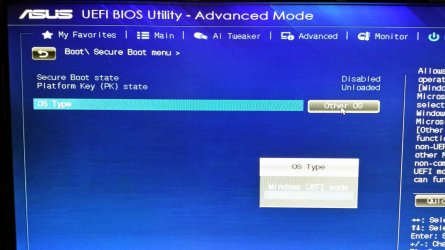

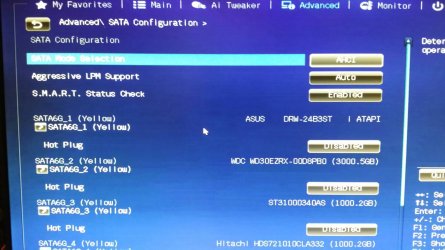
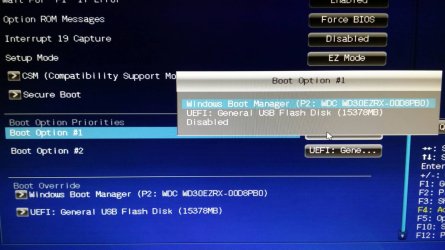
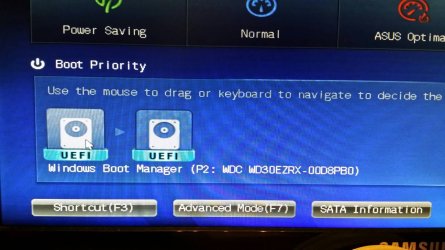
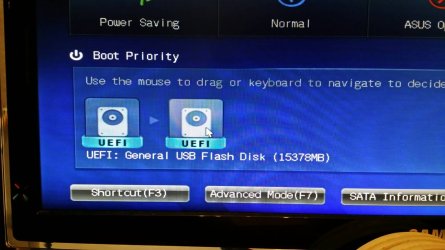
Are your RAM sticks in same color slots? They appear to not be in matching slots from the BIOS screenshot. This might pertain. Try changing them to either the A slots or the B slots. Consult your Manual on the Support Downloads webpage to see what it recommends.
Try also Fast Boot and Hardware Fast boot disabled.