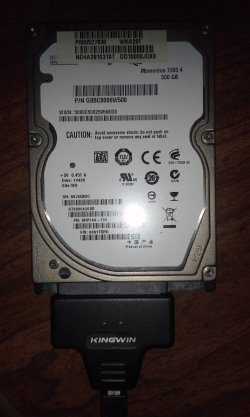
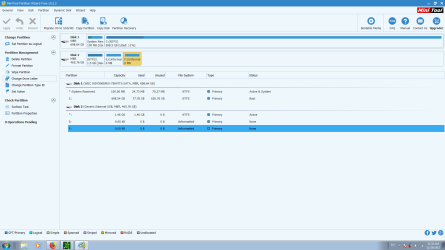
About a year ago my laptop hard drive stopped working. Got another one, but would still like to access the data on it. Don't know how. Have connected it to USB externally, but when I do that, two drives show up- E: and F:, and neither of them are accessible. Properties shows 0 bytes on both, and when I try to access disk management, it stalls and I never get any info to see what's going on. Any ideas please? Would like to access it all again without having to reformat and delete any data.
Thanks.
Thanks.
My Computer
At a glance
Windows 7 Ultimate x64, Serice Pack 1Intel Core i3 M350 2.27 GHz4 GBRealtek
- Computer type
- Laptop
- Computer Manufacturer/Model Number
- Toshiba Satellite A665
- OS
- Windows 7 Ultimate x64, Serice Pack 1
- CPU
- Intel Core i3 M350 2.27 GHz
- Memory
- 4 GB
- Graphics Card(s)
- Realtek
- Hard Drives
- Momentus 7200 4 500 GB
- Browser
- Mozilla



 .
.