Can't boot Windows7, No Logo

Majik420

New member
Local time
9:25 AM
Messages
2
So this is going on a couple years now off and on trying to figure this out.

I don't even remember what happened to initially cause windows to not boot, but I luckily installed Kubuntu before just in case something like this happened. I've been using Kubunutu since, but I really miss photoshop and want to try and either fix windows, or delete the partition and make room.

So I don't have a disc, Well I do but its not the right one, its just the same repair tools I can boot into. Startup repair doesn't work, I've gotten two different results from that.

I tried something with fixing the master boot record but that didn't work and made a headache to get grub back to be able to load kubuntu.

I don't even know where to start. Any ideas?
 

My Computer My Computer

At a glance

Windows 7 64bit
Computer type
PC/Desktop
Computer Manufacturer/Model Number
HP Pavillion p6540f
OS
Windows 7 64bit
Boot into System Recovery Options to run Startup Repair several separate times with reboots, report back results.

Startup Repair should offer to automate System Restore. If not run it from the options list.

If this fails start at the top of the steps for Troubleshooting Windows 7 Failure to Start since it may be infected and won't repair until disinfected.

At any time you can boot into the Win7 installer to delete its partition to Clean Reinstall - Factory OEM Windows 7 - Windows 7 Help Forums. This is a vastly superior install to HP factory preinstalled Win7 anyway, which is larded with bloatware and duplicate utiltiies which interfere with better versions built into Win7. Everything is provided in the blue link tutorial including Special Notes for HP Owners at the end.

Afterwards you can add back in the Ubuntu to a Dual Boot using this method which works well: Dual boot Ubuntu-Win7
 
Alright well so far I ran startup repair several times with no success, startup repair cannot fix my problem.

Here are the results. But first, I'm thinking maybe something is messed up with my partitions, I can't remember what they are supposed to look like. Sda1,2 and 4 are ntfs, 1 is system, 2 is OS, and 4 is recovery. sda3 is extended with sda5 as ext4 and sda6 as linux swap. I think I used to be able to boot windows from sda1.


first try sda1 - No Logo "Starting Windows" and nothing happens
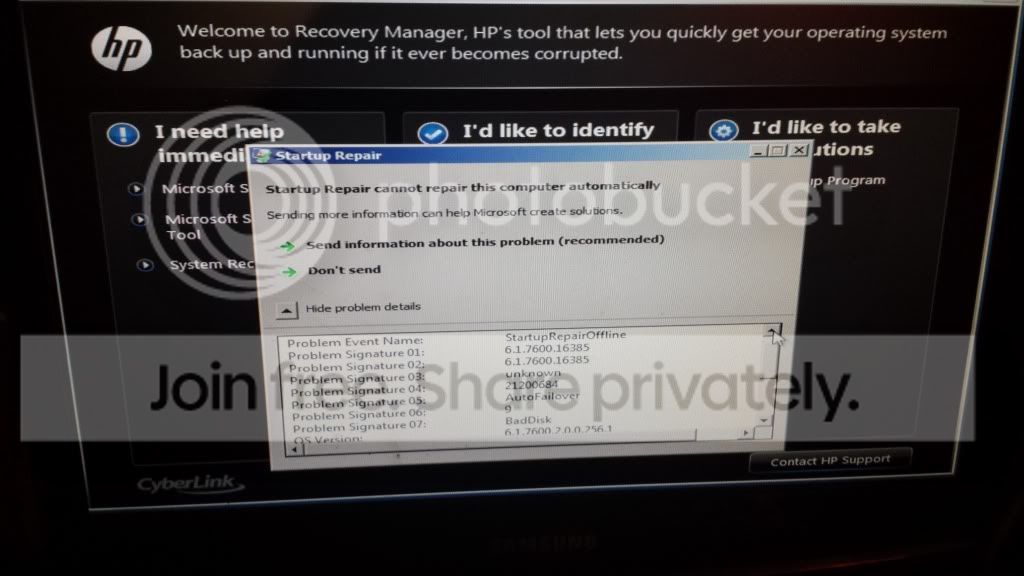
sda1 - Launce startup repair, with
20140315_210549.jpg

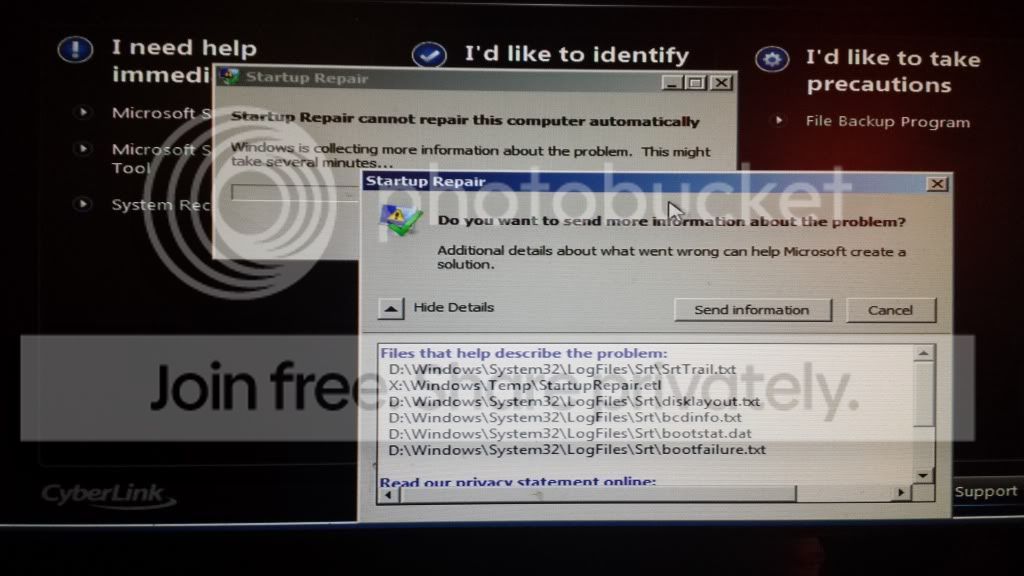
And then when I try to send results it tells me to send additional info:
20140315_210645.jpg


Try sda1 again - No Logo screen
sda1 again - same startup repair
sda1 - No logo screen
sda1 - same startup repair

Then I tried sda2 which did no logo
then again sda2 gives me options to try safe mode etc, try safe mode and then black screen

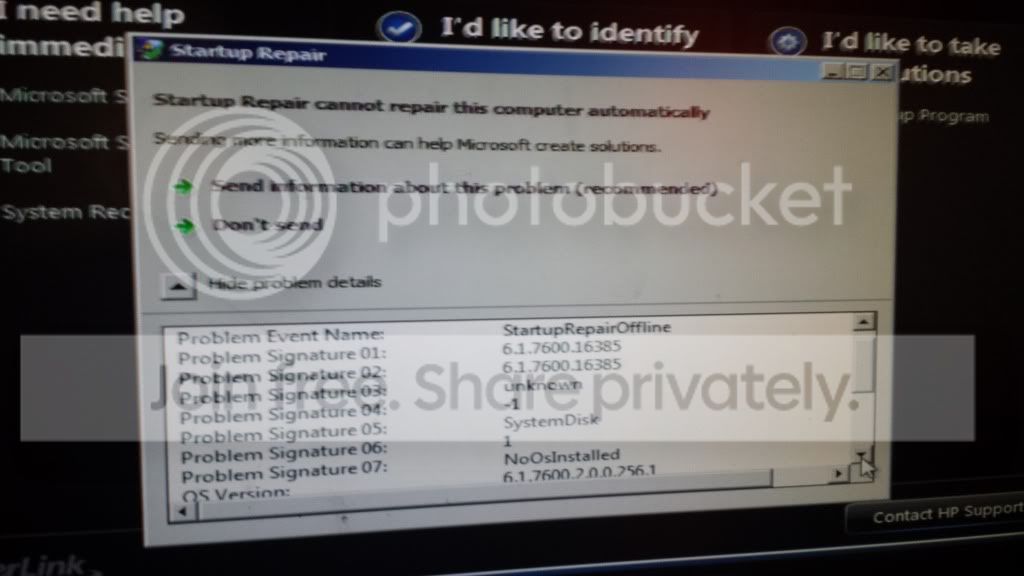
Then I tried sda4 which is the recovery, and I ran startup repair from there and I get different codes
20140315_211543.jpg

Tried it again and got the same thing.

Going to go try System Restore again, I know its not gonna work but I cant remember what happens, I'll post results and then look at your links.

Also I think I did some kind of windows backup to an external hd, I don't know what the deal is though, just a bunch of zip files and some other weird stuff. Is there anyway to try and use that?
 

My Computer My Computer

At a glance

Windows 7 64bit
Computer type
PC/Desktop
Computer Manufacturer/Model Number
HP Pavillion p6540f
OS
Windows 7 64bit
I'm not sure why there 's an HP background screen. Are you running Startup Repair from the HP Recovery partition? I would run it from the WIn7 installation Media provided in Step 9 of Troubleshooting Windows 7 Failure to Start, or the System Repair Disk if you have it or can make it on another Win7 PC.

Then confirm the 100mb System Reserved partition (preferred if you have it) or C is Partition Marked Active and run Startup Repair - Run 3 Separate Times no matter what it reports.

If this fails continue with the rest of the steps.

At any time you can rescue your files from that step in tutorial, then boot back into HP Recovery Partition to run a Minimal Recovery which is very close to a Clean Reinstall, or if not then do a Clean Reinstall - Factory OEM Windows 7.

I would also boot into the HP Diagnostics which should still be onboard and bootable since the Recovery partition is, on the ESC Boot menu. This will test all of your hardware to get that out of the way. If not then there are hardware tests in Troubleshooting Windows 7 Failure to Start
 
Back
Top