
I had the beta installed (32 bit). Now I am installing the 64 bit version. When I ran setup it says that i have to uninstall all 32 bit versions of office. I went to the control panel and tried to uninstall, I select "Microsoft Office Professional Plus 2010" and click the "uninstall" button but nothing at all happens. So I downloaded "RevoUninstallerpro" to force the uninstall. I did that, uninstalled everything and all of the regestry files. THen i gave the computer the old restart. Went to install it again but same problem. Here is a screen shot of whats going on.
Here is a screen shot of the message....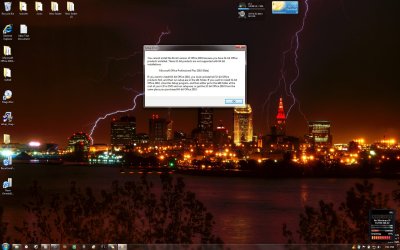
Here is the installed programs on my comp... as you can see there is not office products on here..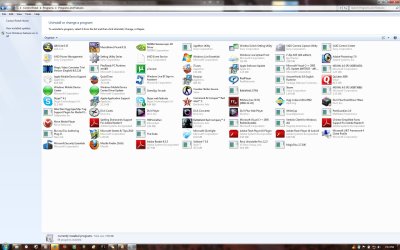
Here is a screen shot of the message....
Here is the installed programs on my comp... as you can see there is not office products on here..
My Computer
At a glance
W7
- OS
- W7


