Hi guys
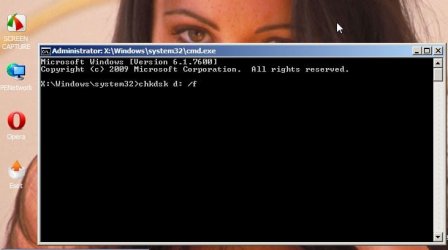
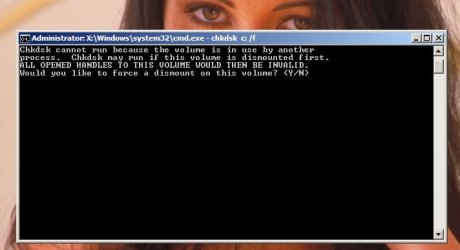
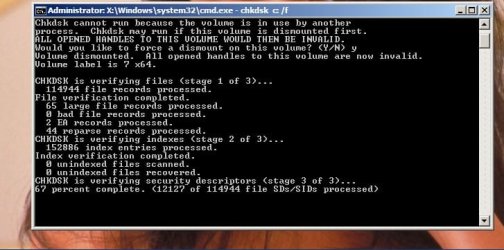
Im still unable to get chkdsk to run on reboot.Tried from cmd and from disk options.I just get the countdown screen on reboot then at 1 it loads windows as usual.Have tried to run from recovery console but chkdsk c: comes up as volume label is SYSTEM RESERVED !! which i dont understand at all because the only labelled partition is the main acer c: drive.Anyone else suffering from this problem.
The laptop was shop bought and pre installed with the OS.
Any help i would be grateful
thankyou
Im still unable to get chkdsk to run on reboot.Tried from cmd and from disk options.I just get the countdown screen on reboot then at 1 it loads windows as usual.Have tried to run from recovery console but chkdsk c: comes up as volume label is SYSTEM RESERVED !! which i dont understand at all because the only labelled partition is the main acer c: drive.Anyone else suffering from this problem.
The laptop was shop bought and pre installed with the OS.
Any help i would be grateful
thankyou
My Computer
- Computer Manufacturer/Model Number
- acer aspire 5935g
- OS
- Windows 7 Home Premium x64 SP1
- CPU
- intel(R)core(TM)2 duo CPU T6600 @ 2.20GHz
- Motherboard
- intel gm45/gm47 revision 07
- Memory
- 3 gb ddr3
- Graphics Card(s)
- ati radeon hd4570/512mb
- Monitor(s) Displays
- lop156wh2-tle1 15.3 flat
- Screen Resolution
- 1366x768
- Hard Drives
- OCZ-Agility3 60gig ssd
320gig external hdd
500gig external hdd
- Mouse
- Optical
- Internet Speed
- 30Mbps Down/30Mbps Up