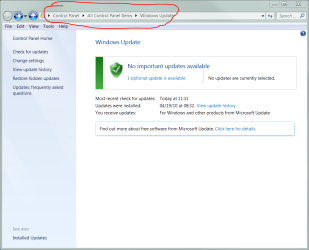
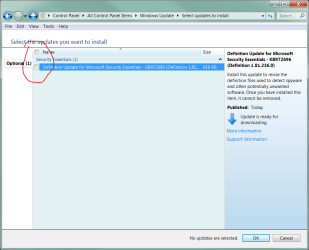
I have Windows 7 and a Toshiba L500 laptop. Is it normal for a download/update notice to appear EVERY time I log off - sometimes more than once a day ? I have no idea which application is doing this and I cannot stop it. It just appears under the Toshiba heading as in the screen print attached.
This warning never says there is just 1 download or even 3 - every time it shows the same notice - 1 of 2 downloads. If the warning was slightly different in its number of downloads, then I might not be so concerned, but it is this very repetition that sets off alarm bells!
Surely this is happening too frequently - every time I log off - to be correct? It is driving me mad. Of course if I switch it off at the off button this never happens - it only occurs when I exit from the Start Programme.
link attached below of the notice.
Many thanks for any feedback.
This warning never says there is just 1 download or even 3 - every time it shows the same notice - 1 of 2 downloads. If the warning was slightly different in its number of downloads, then I might not be so concerned, but it is this very repetition that sets off alarm bells!
Surely this is happening too frequently - every time I log off - to be correct? It is driving me mad. Of course if I switch it off at the off button this never happens - it only occurs when I exit from the Start Programme.
link attached below of the notice.
Many thanks for any feedback.
Attachments

My Computer
- OS
- windows 7