phyrexiancure
New member
- Local time
- 8:48 AM
- Messages
- 9
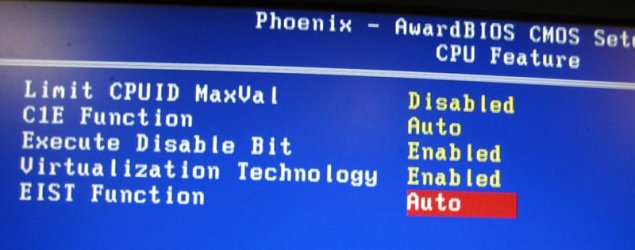
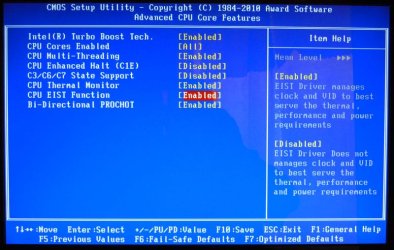
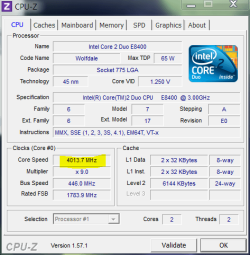
I recently began our clocking but found out that windows seven system could not read it. I found out this was caused by my cpu power saving features. Forums suggest turning off powering saving features, using cpu-z, or editing the registry. I chose to edit the registry but found out that hkey local machine/hardware/description/system/central processing/0/processor name string edits only @ frequency, but not the secondary frequency also. Is there a way to edit this frequency or remove it.
My Computer
At a glance
Windows 7 Ultimate x64Athlon II x2 215 @ 2700 MHzG. Skill 8 GB ddr3 @ 1600MSI R5670 PM1G
- OS
- Windows 7 Ultimate x64
- CPU
- Athlon II x2 215 @ 2700 MHz
- Motherboard
- MSI 870A G54
- Memory
- G. Skill 8 GB ddr3 @ 1600
- Graphics Card(s)
- MSI R5670 PM1G



 )
)
 - remember a coupla weeks ago, when shift-send-to moved files for me, but only copied for you?