Solved Firefox keeps flickering. . .

No, I'm not using a Firefox theme. Just regular Firefox 3.6.13.

Just happened again while I was browsing Google Images. I'm sure there's no problem with that website.
 

My Computer

OS
Windows 7 64 bit Home Premium
No, I'm not using a Firefox theme. Just regular Firefox 3.6.13.

Just happened again while I was browsing Google Images. I'm sure there's no problem with that website.

As I mentioned, with Firefox I've often found it effective to back off a few minor version numbers. In fact I got away from using the Auto Update because if the new version introduced a problem, it made it non-trivial to fix. Better off downloading the installer, doing a restore point, backing up your registry, settings, everything to can.

An even better "trick" is to have an older version on that's installed and let a newer portable version pick up settings from it. If you upgrade and there's a lot of issues, remove the new portable and put an older one on. It picks up the settings from the old tried and true installed profile. Just makes it simpler to undo problems.

If you are into messing around with profiles there may be a simpler way of doing it. But I found those techniques good for the lazy who don't want to lose a whole day messing around because they hit the update button.
 

My Computer

Computer Manufacturer/Model Number
HP Media Center
OS
Windows 7 32 bit
CPU
AMD 5200+ dual core
Memory
2 GB
Graphics Card(s)
NVidia GeForce 6150SE 128 MB
Monitor(s) Displays
CRT
Screen Resolution
1280x1024
Hard Drives
500 GB Sata internal :

SIIG USB 3.0 docking stations w/WD Caviar Black 6 Gb/s drives
Keyboard
PS/2
Mouse
PS/2 Wheel Mouse
Other Info
SIIG USB 3.0 PCIexpress card.
This still happens, and sometimes happens a few times per day.

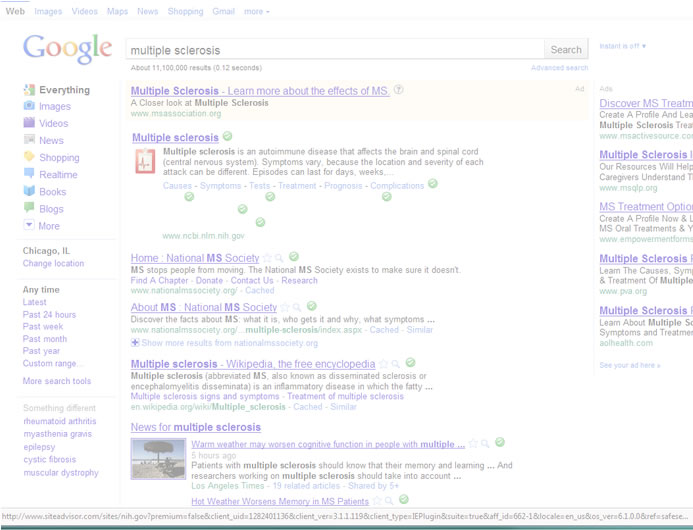
Just now I googled "multiple sclerosis" and upon showing the results, Firefox turned white and changed to "not responding."

5ebxC.jpg


It didn't crash this time, but I had to manually kill the process because after a few minutes it was still white and "not responding."
 

My Computer

OS
Windows 7 64 bit Home Premium
And while watching youtube vids:

sK8eC.jpg


Any updates on a fix?
 

My Computer

OS
Windows 7 64 bit Home Premium
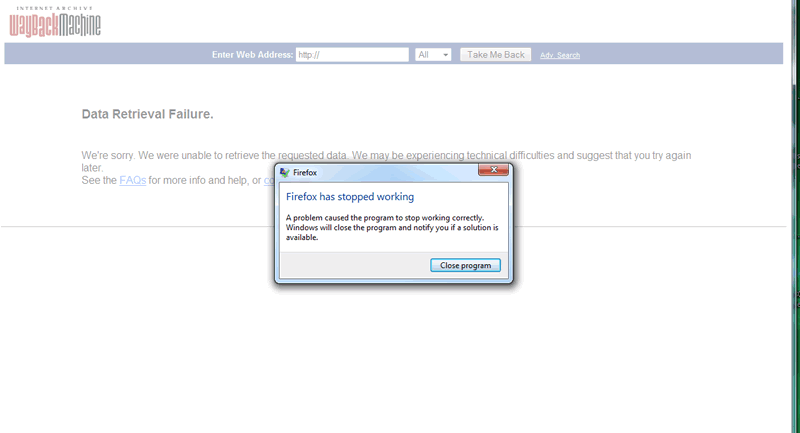
This time it actually crashed (see the Windows error message that appeared) after it turned white.

PcuJj.gif


Any fix for this? Do I need to offer a monetary reward? This makes me want to rip out what remaining hair I have...
 

My Computer

OS
Windows 7 64 bit Home Premium
And while Google searching:

DOfsd.jpg


After this screenshot it crashed.
 

My Computer

OS
Windows 7 64 bit Home Premium
Have you tried a fresh profile? I'm sure we visited this earlier. Have you changed any about:config entries? What extensions are you using?

I've not seen anyone else having your issue on FF 3.6.13. Something is messed up with either your profile or one of your add-ons.
 

My Computer

Computer Manufacturer/Model Number
Toshiba L355D
OS
Windows 7 Ultimate x64 SP1
CPU
Core2 Duo
Motherboard
Intel
Memory
4 GB
Graphics Card(s)
GM965 on-board
Sound Card
RealTek on-board
Monitor(s) Displays
19"+17"(laptop)
Screen Resolution
1440x900 (x 2)
Hard Drives
500GB Ext. 200GB Internal
PSU
N/A
Case
N/A
Cooling
N/A
I'm not using any Add-Ons. This is a fresh install of FF 3.6.13 on brand new computer running Windows 7.

The only thing I can see running in FF is some McAfee thing that came with my computer.
 

My Computer

OS
Windows 7 64 bit Home Premium
Try disabling McAfee briefly...
 

My Computer

Computer type
PC/Desktop
Computer Manufacturer/Model Number
Packard Bell
OS
Windows 7 Home Premium 64bit
CPU
Intel(R) Core(TM) i3-2120 CPU @ 3.30GHz
Motherboard
Packard Bell IPISB-AG
Memory
3.00 GB
Graphics Card(s)
(1) Intel(R) HD Graphics (2) VNC Mirror Driver
Sound Card
Realtek High Definition Audio
Monitor(s) Displays
AIO LCD
Screen Resolution
1920 x 1080
Hard Drives
WDC WD10EADX-22TDHB0 ATA Device
Fixed hard disk media
4 partitions
931.51 GB
Keyboard
Wireless
Mouse
Wireless
Antivirus
Microsoft Security Essentials
Browser
IE; Firefox
Other Info
Also:
Samsung N220 Plus Netbook - Windows 7 Home
HP laptop
iPad 5
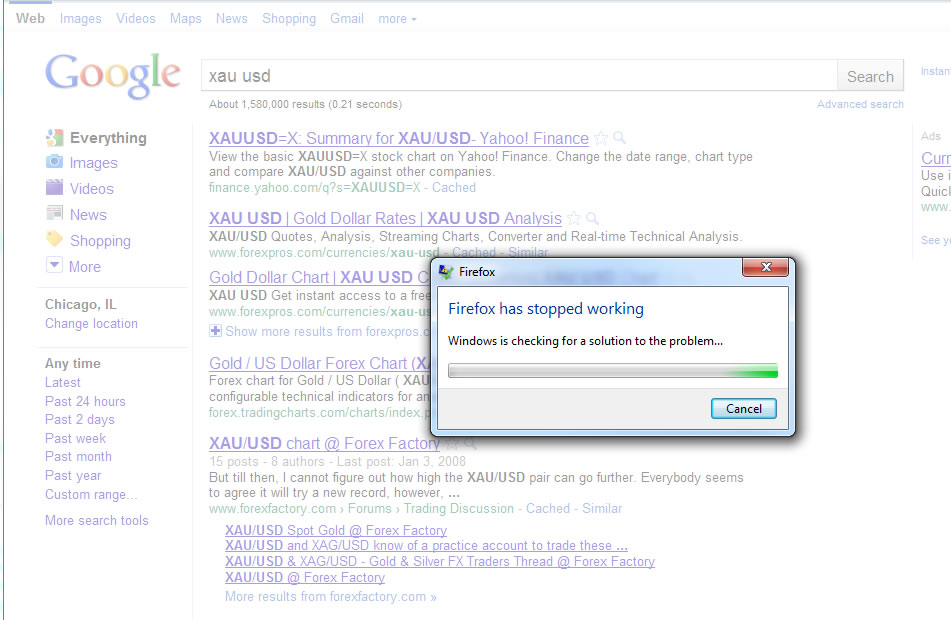
And while checking stock quotes:

33m3g2v.jpg


I think it may in fact be McAfee. When I took this screenshot there were two McAfee buttons at the bottom where there should only be one. But that got cropped out of this image.

Seems like other people have similar problems:

https://community.mcafee.com/thread/20534

My apologies if this isn't actually a Windows 7 problem.
 

My Computer

OS
Windows 7 64 bit Home Premium
I believe it was McAfee. I disabled it and haven't had a crash since.
 

My Computer

OS
Windows 7 64 bit Home Premium
Back
Top