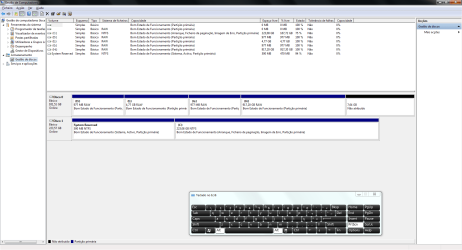
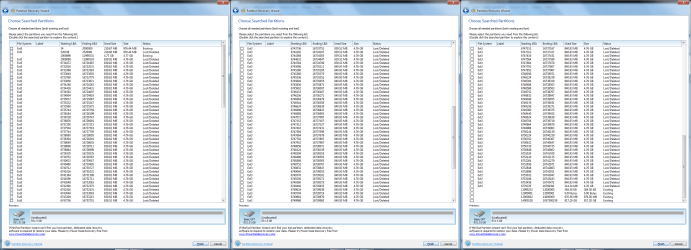
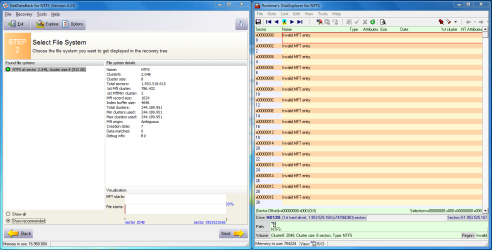
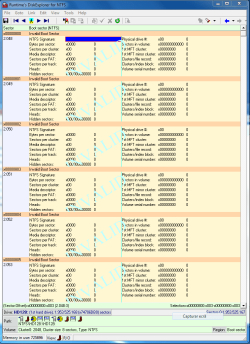
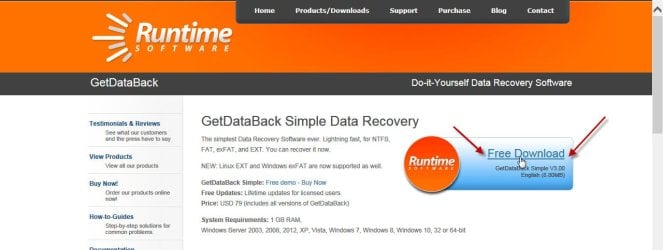
Please download, install and run
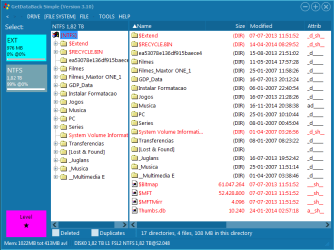
GetDataback Simple Data Recovery Software Products - Runtime Software Products
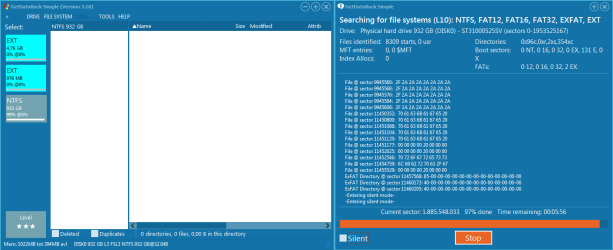
It will scan for drives and will show the disks found.
Click on the disk from which you want to recover data.
After a scan, a screen will appear showing all partitions found.
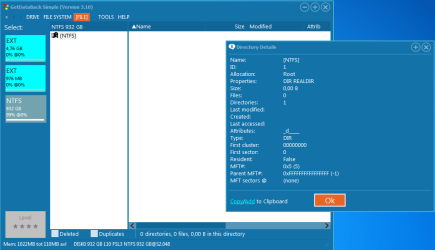
Click on the partition from which you want to recover the data.
A screen will appear showing all the folders/files found.
By default a Level 1 Search is made. You can click on the Level button and choose Level 2, 3 or 4.
If Level 1 is unsuccessful, do a Level 2. If Level 2 is unsuccessful do a Level 3. If Level 3 is unsuccessful do a Level 4.
This is the normal process.
If at anytime you get an error message and it does not proceed further, take a screenshot and post it.
If Getdataback Simple does not find any data or gives out any error message, that is the end of the story as far as I am concerned by experience.
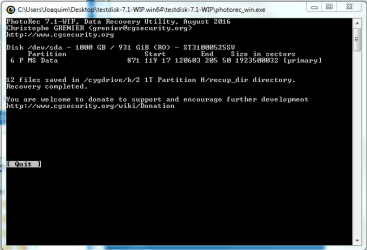
You may then try PhotoRec and check whether it can rebuild the files abinitio without reference to the File System.
Guide to using PhotoRec recovery software.
If your data has been cleanwiped by writing zeroes or 1s to the drive, even PhotoRec will not be able to rebuild. ( It can rebuild data even after formatting but not a 0/1 wipe and then a format.)
If your Buffalo NAS had made a zero wipe before formatting it as a GPT drive, there is absolutely no chance.