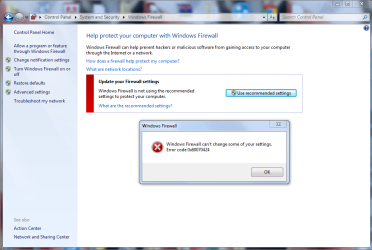
Download both the registry files
bfe.reg
firewall.reg
Launch and import them to registry
Restart your PC
Now,open
RUN and type
regedit and click ok
go to
HKEY_LOCAL_MACHINE\SYSTEM\CurrentControlSet\services\BFE
Right click on it-
permissions
Click on
ADD and type
Everyone and click ok
Now Click on Everyone
Below you have
permission for users
Select full control and click ok
Now,open
RUN and type
services.msc and click ok
start base filtering engine service and then windows firewall service
Good luck