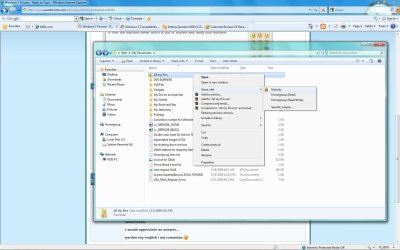
i have a network of multiple computers connected to a server on which all of them save data on.Each computer has an administrator user on the server.
Let's say i want to create a folder and hide it from other users, is there another way to do that besides make it hidden and check "don't show hidden files" ? Because somebody told me that i can hide the folder from others, but i can see it at all times and i don't have to make it hidden from proprieties. That somebody told me it has something to do with sharing, and ownership of that folder, but i didn't understand.
I would appreciate an answer...
pardon my english i am romanian
Let's say i want to create a folder and hide it from other users, is there another way to do that besides make it hidden and check "don't show hidden files" ? Because somebody told me that i can hide the folder from others, but i can see it at all times and i don't have to make it hidden from proprieties. That somebody told me it has something to do with sharing, and ownership of that folder, but i didn't understand.
I would appreciate an answer...
pardon my english i am romanian
My Computer
- OS
- Windows 7 Ultimate
- CPU
- Intel Quad Core Q6600
- Motherboard
- Asus P5N-e SLI
- Memory
- 4 GB Ocz
- Graphics Card(s)
- Nvidia Geforce 8600 gts
- Monitor(s) Displays
- Asus 19'