
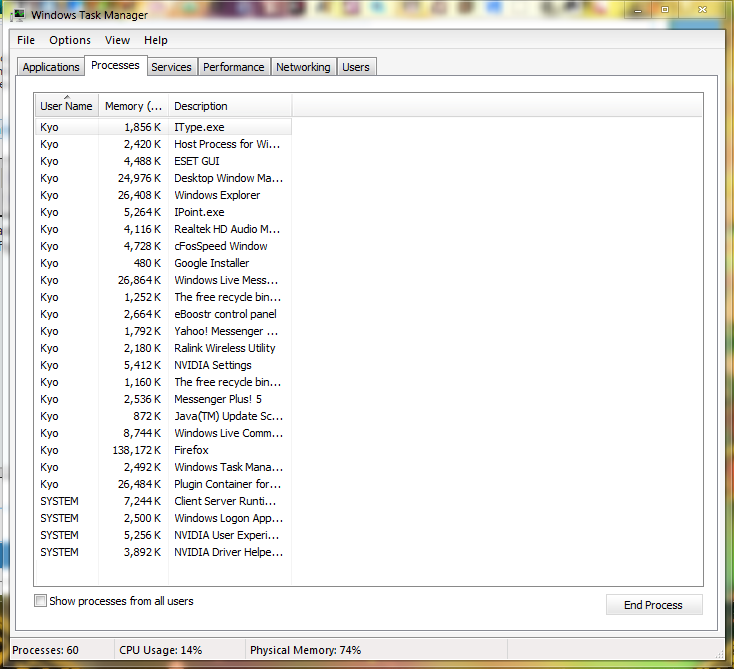
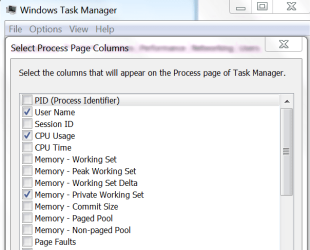
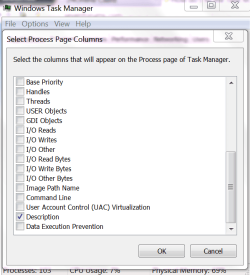
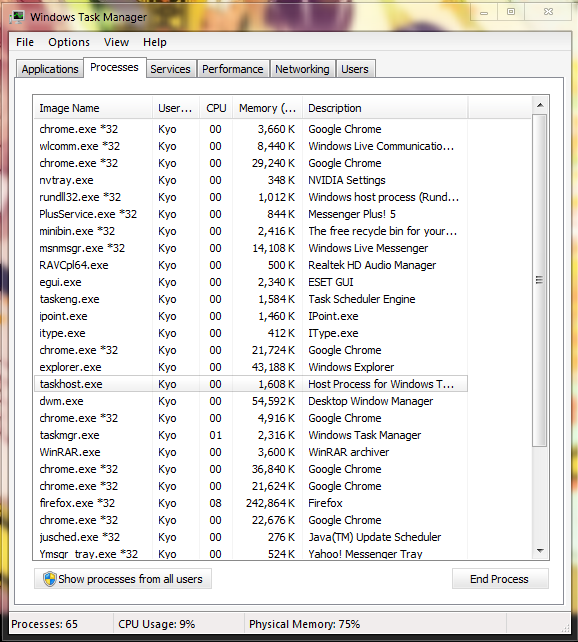
Kay, one day I was opening the task manager and I accidentally removed or moved some columns around and I can't figure out how to get it back.. I can't find the "Image Name" column in the "Select Process Page Columns" any ideas how I restore the task manager back process tab to normal?
My Computer
At a glance
Windows 7AMD Athlon(tm) II X2 250 Processor1.75 GBNVIDIA GeForce 7025 / NVIDIA nForce 630a
- Computer type
- PC/Desktop
- Computer Manufacturer/Model Number
- unknown
- OS
- Windows 7
- CPU
- AMD Athlon(tm) II X2 250 Processor
- Motherboard
- Gigabyte Technology Co., Ltd. M68MT-S2P
- Memory
- 1.75 GB
- Graphics Card(s)
- NVIDIA GeForce 7025 / NVIDIA nForce 630a
- Sound Card
- (1) Realtek High Definition Audio (2) ManyCam Virtual Micr
- Monitor(s) Displays
- NVIDIA GeForce 7025 / NVIDIA nForce 630a
- Screen Resolution
- 1600 x 900 x 32 bits (4294967296 colors) @ 60 Hz
- Hard Drives
- WDC WD50 00AAKX-001CA SCSI Disk Device



 Glad you are sorted.

