andre02
New member
Hi there,
I have an issue with my wireless connection.
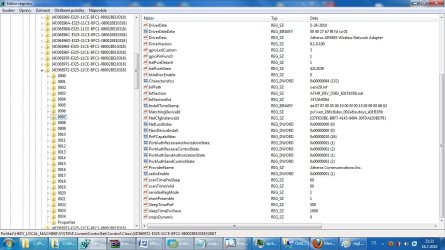
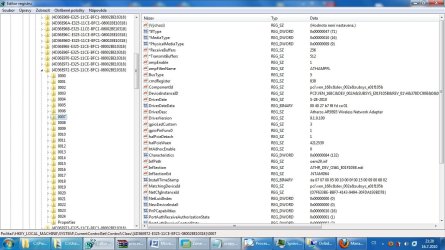
My problem is that the WiFi adapter starts working (WiFi enabled - indicator lights up) even before logon screen shows up. And I don't know how to disable it. I've already checked all windows startups, services...
I have Atheros AR5B93 adapter, tried installing Atheros Client Utility, but the installation failed (don't know why; tried several times). So the adapter is managed by windows and I suppose it may be also affected somehow by Acer Power Smart tech and Launch Manager (by Dritek; it controls Fn key combos - also WiFi) - I have Acer Aspire 4820TG TimeLineX.
Help appreciated
I have an issue with my wireless connection.
My problem is that the WiFi adapter starts working (WiFi enabled - indicator lights up) even before logon screen shows up. And I don't know how to disable it. I've already checked all windows startups, services...
I have Atheros AR5B93 adapter, tried installing Atheros Client Utility, but the installation failed (don't know why; tried several times). So the adapter is managed by windows and I suppose it may be also affected somehow by Acer Power Smart tech and Launch Manager (by Dritek; it controls Fn key combos - also WiFi) - I have Acer Aspire 4820TG TimeLineX.
Help appreciated
My Computer
- Computer Manufacturer/Model Number
- Acer Aspire 4820TG TimeLineX (434G50MN)
- OS
- Windows 7 Professional x64
- CPU
- Intel Core i5 430M (2,26 GHz, 3 MB L3 cache)
- Memory
- 2 x 2 GB DDR3 (1066 MHz)
- Graphics Card(s)
- ATI Mobility Radeon 5470 (512 MB) // Intel GMA HD
- Monitor(s) Displays
- 14,0" LED
- Screen Resolution
- 1366 x 768 (16:9)
- Hard Drives
- WD Scorpio Blue 500 GB SATA (5400 rpm, 2,5")


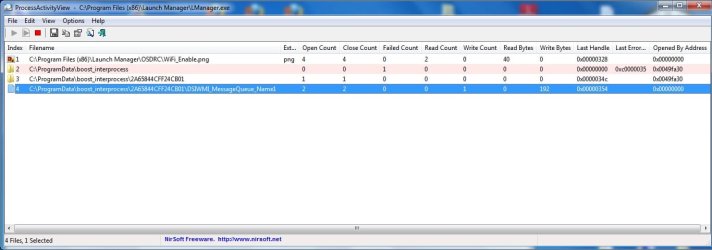
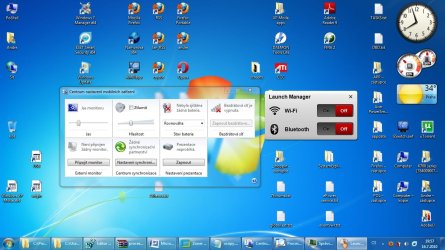
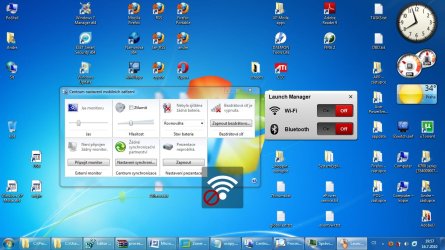
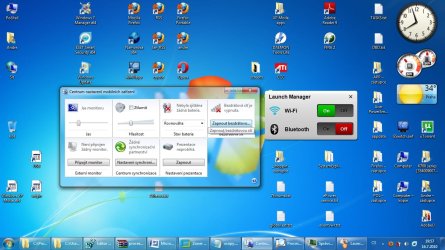
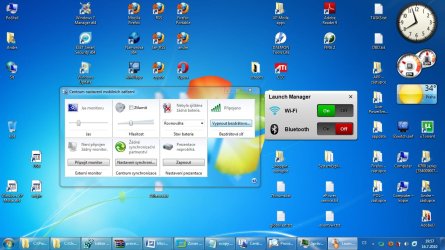
 The problem is actually, that in this program it's during each windows startup set WiFi to On (even when it was Off before shutdown).