They are going to have to use a helicopter to shoot me out of the bell tower
This whole thing is making me craZZZZy
If I'm lucky it'll be a head shot.
I've read and tried the solution
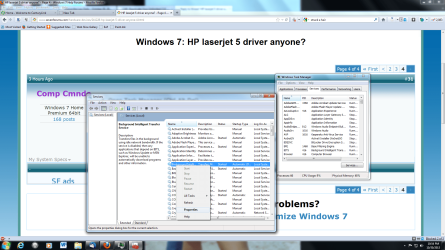
1. Open Task Manager (Ctrl-Alt-Del)
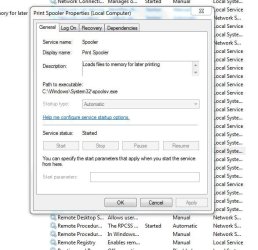
2. Click Sevices Tab and then Services Button (Bottom Right)
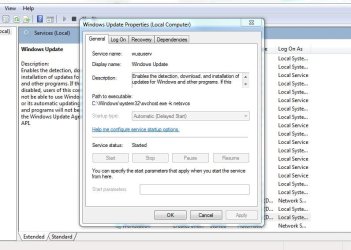
3. Under Name find "Windows Update"
4. Right click "Windows Update" and select Stop. do not close
5. Open Window Exploper and browse to C:\Windows
6. Delete the Folder "SoftwareDistribution"
7. Go back to Servies, Right click "Windows Update" and select Start
It doesn't work because I am unable to use the STOP option on "Windows Update" in the Services and I can neither rename nor delete the C:/windows/Software Distribution directory thanks to an error message telling me that some application is using that file. I can't do it using CMD either.
I wonder if there's a Geek Shop that can do this?
Edit:
While typing that I though of another approach and googled stop windows update. I found an alternate way to stop the updater.
Go to START
type in UPDATE
select Windows Update then
use the dialog box to turn update off
then RESTART
then open computer to C:/windows and rename or delete the “SoftwareDistribution” directory
then RESTART
then re open and turn on Windows Update
then RESTART
And install the printer using Update to find the printer.
It went through it's internet update finished let me install the printer and then ~ ~ ~ ~ ~ ~ ~ ~
Wait for it
~ ~ ~ ~ ~ ~ ~ ~ ~
NOTHING~!!!
The very first time I tried to print a page the damn yellow triangle popped up in the printer's dialog box and the whole damn thing failed - AGAIN~!!!
Where is that Bell tower?