- Local time
- 5:45 AM
- Messages
- 71
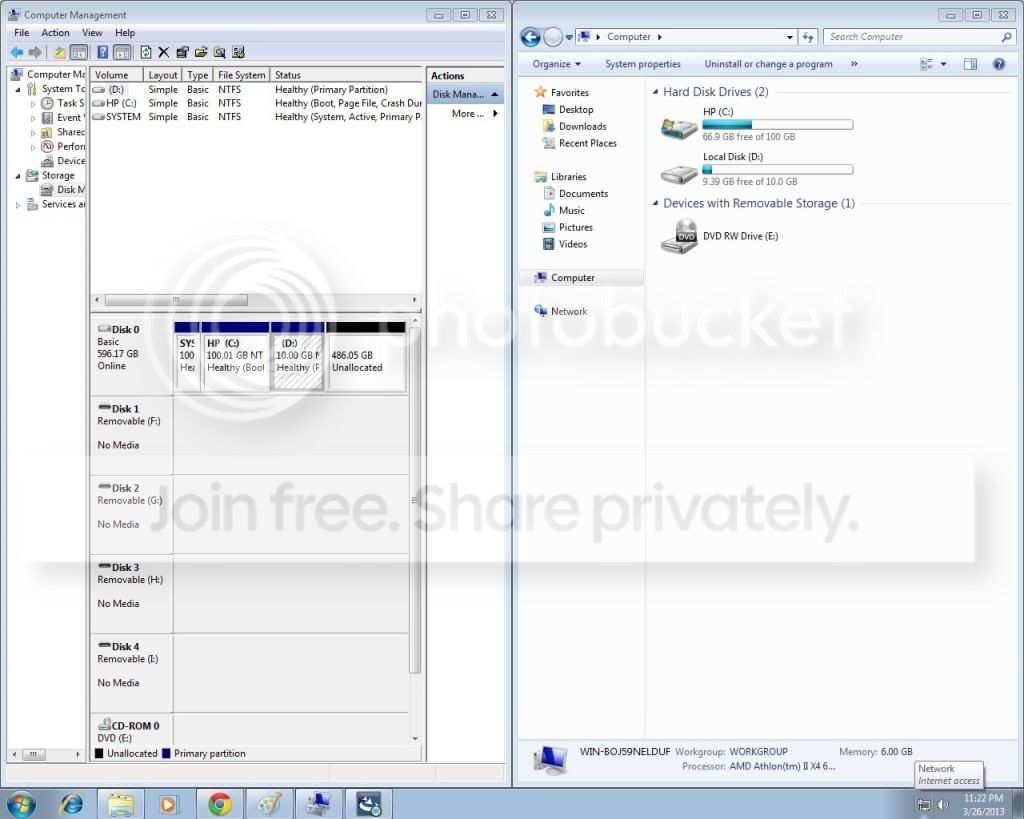
I did a factory restore on my my computer. It was a success ,but when I do this the hard drive is smaller than before i restored. I when to disk management to try and extend the (C main drive, but the option to do so is grayed out, while the other drive (D I think had the boot manager file in it.
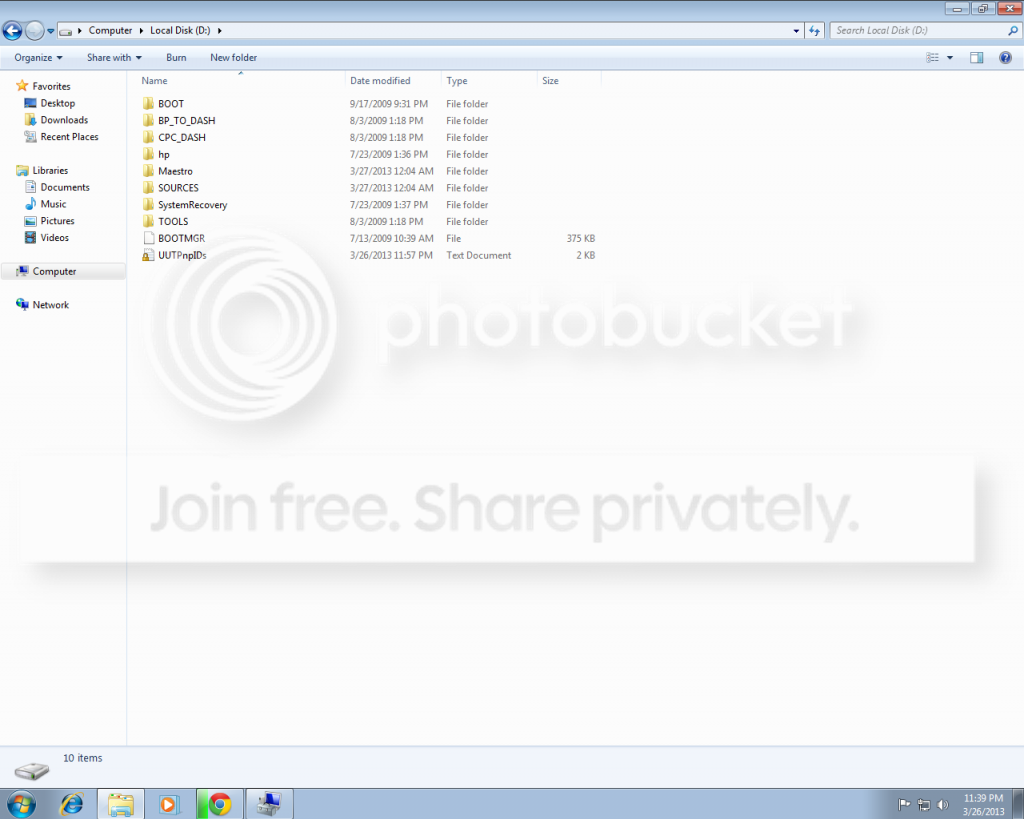
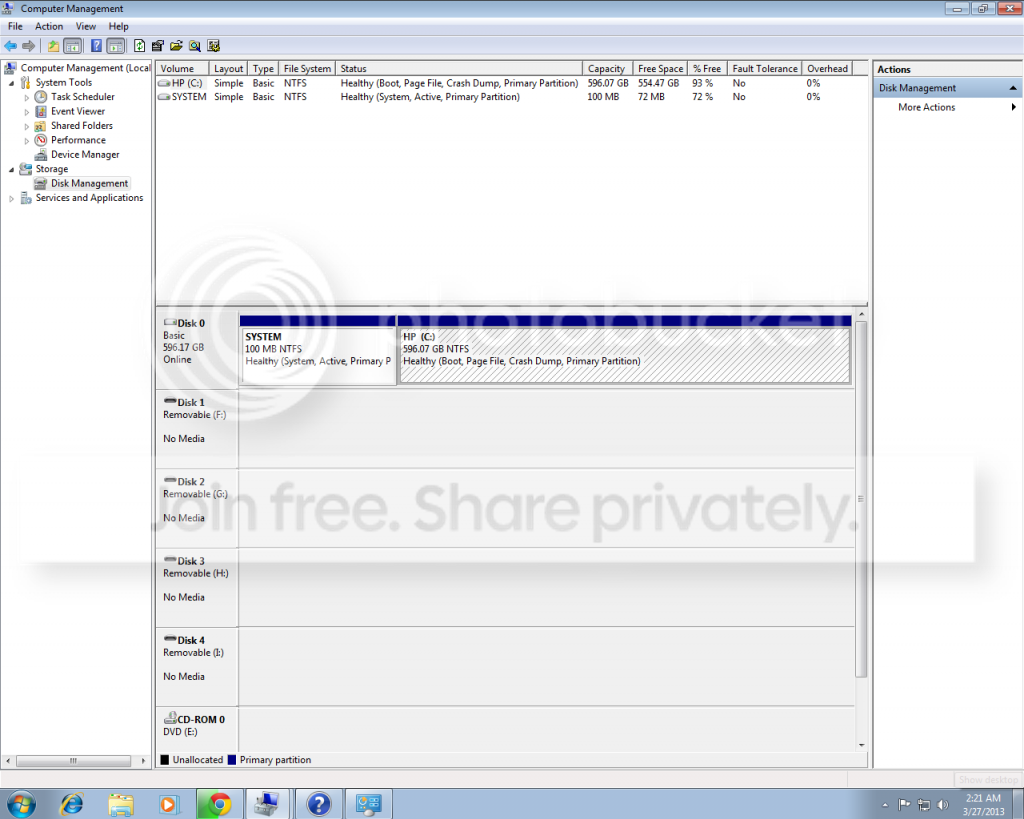
So what I did was move the files on the D: drive and then delete the volume and then was able to extend the C: drive volume.
But now the computer won't start up properly (on another computer) now all it shows are two folders with one sending papers to the other.
I don't know what happened I've done factory restores before and have run into the problem of a smaller hard drive and was able to fix it, I don't know what I did wrong this time.
main drive, but the option to do so is grayed out, while the other drive (D I think had the boot manager file in it.So what I did was move the files on the D: drive and then delete the volume and then was able to extend the C: drive volume.
But now the computer won't start up properly (on another computer) now all it shows are two folders with one sending papers to the other.
I don't know what happened I've done factory restores before and have run into the problem of a smaller hard drive and was able to fix it, I don't know what I did wrong this time.
My Computer
At a glance
Windows 7
- OS
- Windows 7