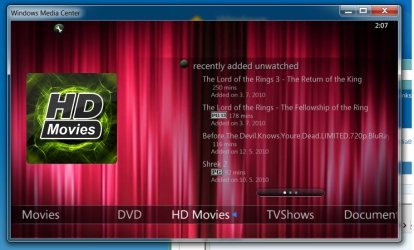
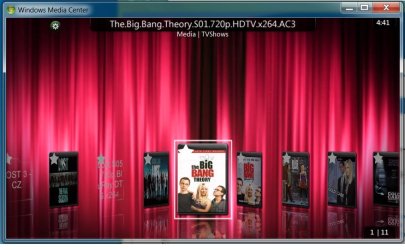
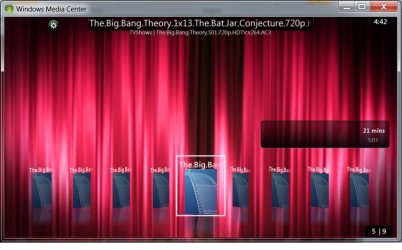
My apologies if I seemed unclear, but that is how it works for me. I just repeated the same instructions I posted earlier, and it worked again, this time with the Centrality theme. The only difference is the way the options look. In the chocolate theme,the options appear as big colored round buttons in the middle of the screen, can't miss them. In the Centrality theme, they appear on the bar on top. All I did was bring up my tv season, in this case beast wars, when the main beast wars folder rose to the top to indicate that it is highlighted, I pressed my play button on my remote, and then the various play options appeared. I press my right or left buttons, depending on which option I want to select, then I press the OK button, and the series begins to play. I will camtasia it to show what I mean if anyone wants to see it in action.
Disclaimer: This is not an attempt to dispute against Demonseed. I highly respect his input and I am greatful for his contributions to this project. The guy genuinely has a passion for this plugin, and it is demonstrated in his constant posts, and works of art. I am just stating how the options work for me. Keep up the good work Demon, can't rep you, you all repped out, lol.
Edit: Here are clips showing the play options for two themes. The first is for the Centrality Theme: http://www.youtube.com/watch?v=8Ig96BUExmU
The second is for the Chocolate theme: http://www.youtube.com/watch?v=pnBqNmawkks
Disclaimer: This is not an attempt to dispute against Demonseed. I highly respect his input and I am greatful for his contributions to this project. The guy genuinely has a passion for this plugin, and it is demonstrated in his constant posts, and works of art. I am just stating how the options work for me. Keep up the good work Demon, can't rep you, you all repped out, lol.
Edit: Here are clips showing the play options for two themes. The first is for the Centrality Theme: http://www.youtube.com/watch?v=8Ig96BUExmU
The second is for the Chocolate theme: http://www.youtube.com/watch?v=pnBqNmawkks
Last edited:
My Computer
- Computer Manufacturer/Model Number
- Gigabyte
- OS
- Windows 7 Ultimate
- CPU
- Intel Core(TM)2 Quad- Q9550, 2.83GHz
- Motherboard
- G31M-ES2L
- Memory
- 4GB
- Graphics Card(s)
- ATI Radeon HD4600
- Sound Card
- On Board:
- Monitor(s) Displays
- Acer AL2223W, Acer AL1916
- Screen Resolution
- 1680 x 1050, 1280 x 1024
- Hard Drives
- 160GB
350GB
250GB
250GB
- PSU
- 600W
- Case
- Cooler Master
- Keyboard
- Microsoft Laser 6000
- Mouse
- Logitech Optical Trackman
- Internet Speed
- 1.5MB
- Other Info
- I am also running a quasar gamatron flux capacitor with twin pulse tronic phasers......jk, I have no such stuff.


 Media Browser is Now and Always will be FREE! They have promised that MB will forever be a free plugin. Hooray!!