
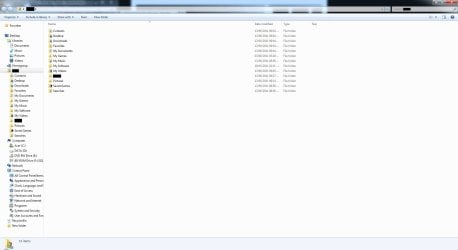
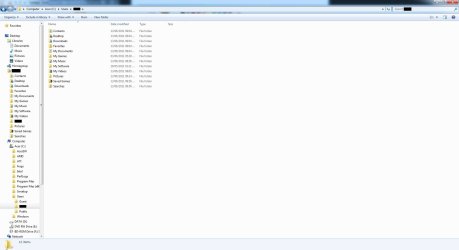
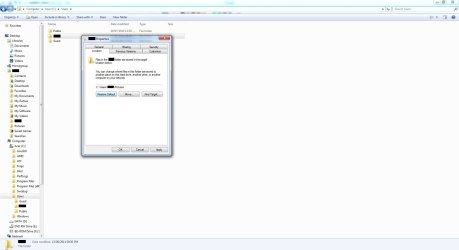
I'm not sure how to explain this so please bear with me. Long story short after messing up moving my folders in my user folder to my second interal hard drive then moving back, I've been getting a strange error in my user folder. For some reason my user folder has a wierd "shortcut" in it which redirects it back to itself. but it only appears in my folder when i go to my user folder from the start menu and not through C drive - users - [USERNAME]. For some reason i'm not allowed to delete the "shortcut".
I've posted screenshots to make my point more clearer. The blacked out bits are my user and on the third phot I pressed "Restore Default".
I've posted screenshots to make my point more clearer. The blacked out bits are my user and on the third phot I pressed "Restore Default".
Attachments
My Computer
- OS
- Microsoft Windows 7 Home Premium , Service Pack 1, 64 bit
- CPU
- Intel(R) Core(TM) i7 CPU 860 @ 2.80GHz
- Motherboard
- Acer, H57M01, , U01L101701309
- Memory
- 8.0GB Dual-Channel DDR3 @ 659MHz (9-9-9-24)
- Graphics Card(s)
- ATI Radeon HD 5700 Series, 1024 Mb
- Hard Drives
- C: Total - 468941 MB, Free - 269855 MB; D: Total - 469464 MB, Free - 282338 MB;


