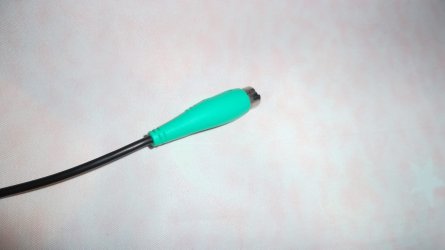
By the way my problem is not solved at all
Let's first discuss what you (and everyone else) has. Your computer has a power controller. It is powered from a supply completely separate from another that powers on a computer. The power controller even keeps a CPU from executing until it decides hardware is ready.
That power controller also decides when the supply (PSU) powers everything else.
In that controller are inputs such as from a front panel, pushbutton switch. When it sees a front panel button pressed, then it turns on the PSU. And then later decides if the CPU can execute.
Other possible inputs, acting just like that pushbutton switch, are modem, mouse, keyboard, NIC, etc.
The mouse, keyboard, etc are powered either from the main PSU. Or powered by another supply that never powers off. You select that power source in the BIOS.
The BIOS determines whether a USB device is powered from the main PSU or from the 'always on' supply. Sometimes, Windows will override or change that setting.
USB ports were disconnected from the 'always on' supply. Therefore a USB mouse no long lights when the PSU is off (a setting that may change with each USB port). But keyboard ports are not powered off. That was why my post was so different from others. I made that distinction. Find the setting that disables (powers off) the keyboard.
There is one setting for 'always on' the modem. Another for NIC. One for USB devices (ie mouse). Another for keyboard. All must be found and set accordingly.
Now, either BIOS setting is not correct, or corrupted by Windows. Or a motherboard transistor is still connecting to an 'always on' supply. The first is a software, CMOS, or operator problem. The second is a hardware defect only solved by replacing the motherboard.