- Local time
- 3:26 AM
- Messages
- 44
"No bootable device - insert boot disk & press any key" when trying...
NOTE: I've posted this in the CloudReady forum but wondered if it might be more appropriate here.
Here's the scenario: I have two older laptops (and HP and a Compaq CQ57). The Compaq had CloudReady only on it...meaning I chose the option to remove Windows. I'm now trying to swap the hard drives so that the Compaq will have the hard drive from the HP (which has Windows 7). So now when I try to boot this Compaq, I'm getting the aforementioned "No bootable device..." error.
The other hard drive switch is working fine...meaning CloudReady booted with no issues in the HP.
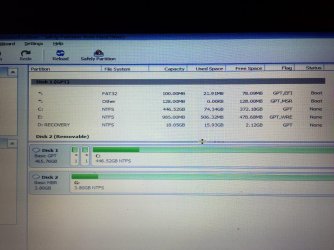
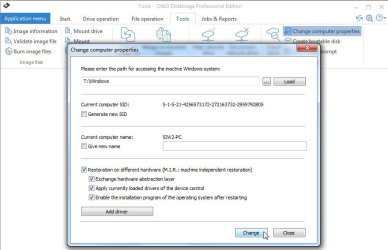
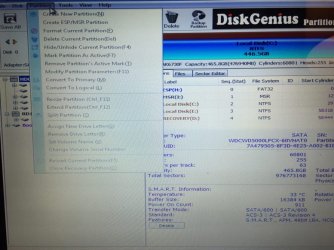
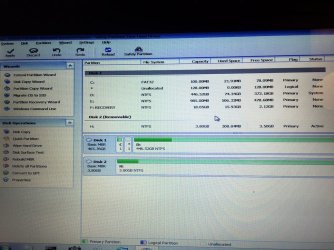
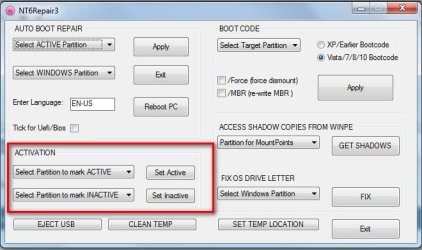
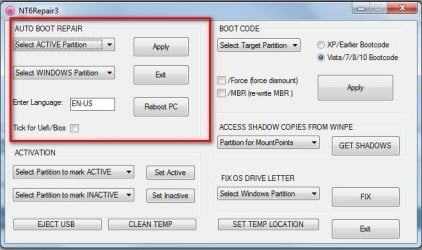
Can someone think of a fix for this Compaq so that the Windows install on that hard drive will boot? It has a setup and files that I REALLY need. I've already tried creating a USB disk with Microsoft's Media Creation tool and using the master boot record repair (which I saw as a suggestion somewhere). That didn't work.
NOTE: I've posted this in the CloudReady forum but wondered if it might be more appropriate here.
Here's the scenario: I have two older laptops (and HP and a Compaq CQ57). The Compaq had CloudReady only on it...meaning I chose the option to remove Windows. I'm now trying to swap the hard drives so that the Compaq will have the hard drive from the HP (which has Windows 7). So now when I try to boot this Compaq, I'm getting the aforementioned "No bootable device..." error.
The other hard drive switch is working fine...meaning CloudReady booted with no issues in the HP.
Can someone think of a fix for this Compaq so that the Windows install on that hard drive will boot? It has a setup and files that I REALLY need. I've already tried creating a USB disk with Microsoft's Media Creation tool and using the master boot record repair (which I saw as a suggestion somewhere). That didn't work.
My Computer
- OS
- windows 7