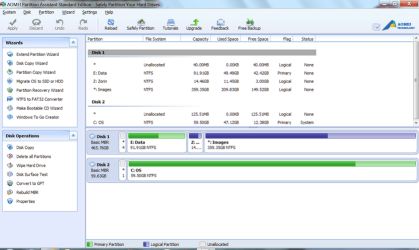
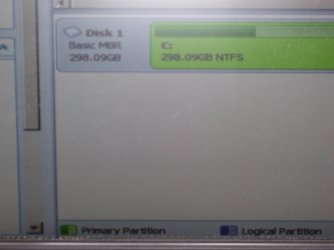
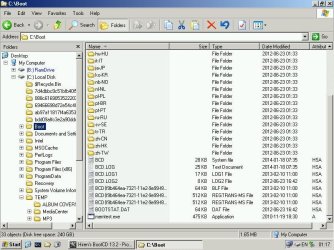
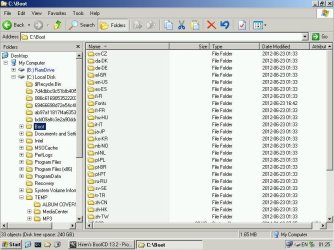
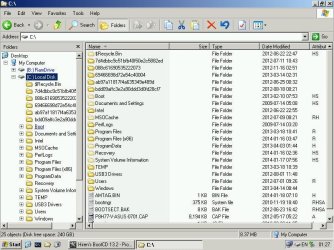
After installing an auxiliary hard drive and re-starting the PC, the "no bootmgr" error came up. I pulled the side off the case and saw that the main drive power cable had come off. I isolated the aux drive, replaced the power cable on the main drive, and re-started. Same message persists despite numerous fix/massages. have done chkdsk, defrag, bootrec, etc. System image restore still restarts with same result.
The last one, which makes sense to me is using cmd prompt from DVD installation disk -
Select drive of source = D:\
D:\copy bootmgr c:\
y/n/all = y
"access denied"
What is the solution to access here? I assume I am already administrator status, as was not prompted for username and pw?
The last one, which makes sense to me is using cmd prompt from DVD installation disk -
Select drive of source = D:\
D:\copy bootmgr c:\
y/n/all = y
"access denied"
What is the solution to access here? I assume I am already administrator status, as was not prompted for username and pw?
My Computer
- Computer type
- PC/Desktop
- Computer Manufacturer/Model Number
- custom
- OS
- Windows 7 Pro
- CPU
- i3
- Motherboard
- gigabyte
- Memory
- 6GB
- Graphics Card(s)
- n/a
- Sound Card
- generic
- Monitor(s) Displays
- TV LCD
- Screen Resolution
- 1080
- Hard Drives
- 320GB, 80GB
- Antivirus
- Norton 360
- Browser
- various
- Other Info
- TV and audio, plus internet broadcasts.