

pwhe811.iso
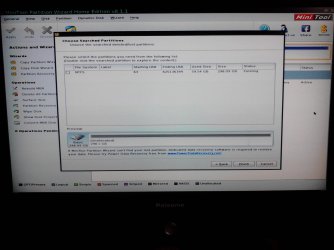
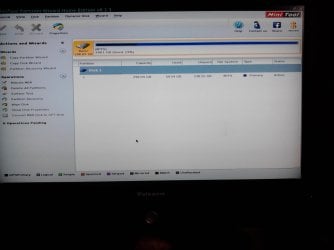
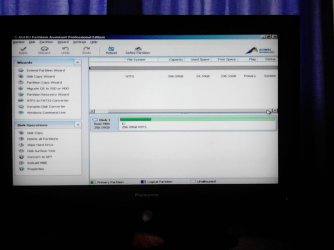
OK, I have burnt a bootable disk for this, and run it up.
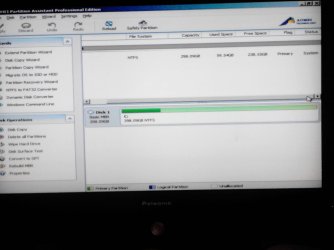
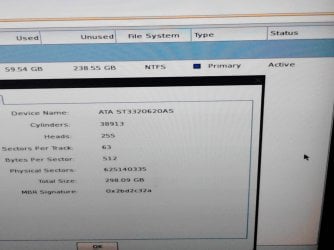
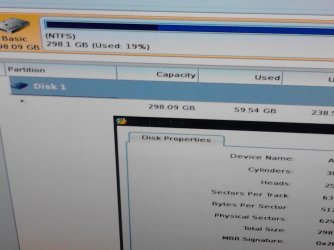
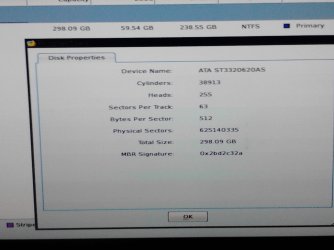
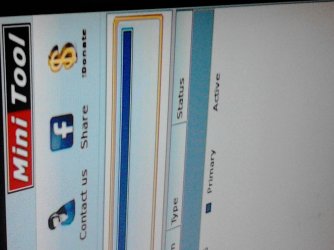
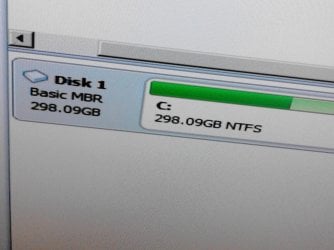
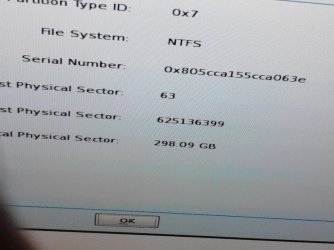
It sees C:\ as [system] and [active].
I got adventurous and activated a MBR repair, which it executed as successful.
I then restarted, which went back to the generic (not pwhe8) startup repair. I did this 3 times as you suggested, but no joy on generic reboot?
Am I missing a startup repair within pwhe8?
persevering......
OK, I have burnt a bootable disk for this, and run it up.
It sees C:\ as [system] and [active].
I got adventurous and activated a MBR repair, which it executed as successful.
I then restarted, which went back to the generic (not pwhe8) startup repair. I did this 3 times as you suggested, but no joy on generic reboot?
Am I missing a startup repair within pwhe8?
persevering......
My Computer
- Computer type
- PC/Desktop
- Computer Manufacturer/Model Number
- custom
- OS
- Windows 7 Pro
- CPU
- i3
- Motherboard
- gigabyte
- Memory
- 6GB
- Graphics Card(s)
- n/a
- Sound Card
- generic
- Monitor(s) Displays
- TV LCD
- Screen Resolution
- 1080
- Hard Drives
- 320GB, 80GB
- Antivirus
- Norton 360
- Browser
- various
- Other Info
- TV and audio, plus internet broadcasts.







 rb: and PrntScrn at the same time, this will capture the active window to use in Paint or your preferred graphics editor.


