Possible solution
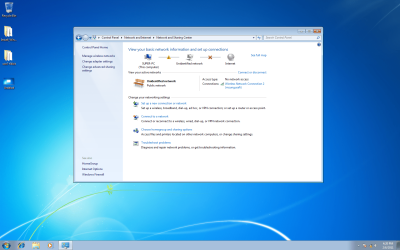
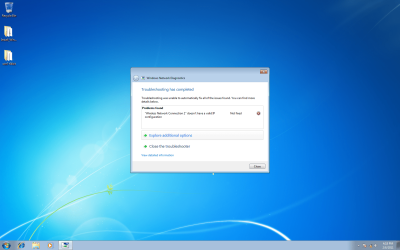
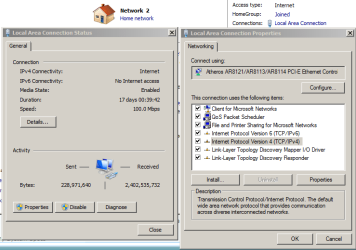
Hi. I think you are right about the compatibility issues between Windows 7 and some ethernet cards. I installed a new card (Realtek) even though my computer said that my NVIDIA nforce was working properly. I was unable to connect to the internet and I was looking at the same windows that I saw in the images you posted. The red x probably indicates an invalid ip configuration. I was still unable to connect after installing the new card until I did the following:
I found myself experiencing this same issue about three weeks ago. Incredibly annoying problem. I now have a new modem (probably not needed) and a new ethernet card (possibly not needed).
I am assuming that your modem is wired directly to your computer. If it is connected to a router you will need to disconnect it and wire it directly to the computer. Now please do the following:
1. Click on start; go to all Programs; go to Accessories; right click on Command Prompt and click on Run as
Administrator.
2. In the command prompt window type
netsh winsock reset
and hit enter. This may take a bit of time so have
patience.
3. You will now have to restart your computer in order
for the changes to take place.
The following information is taken from:
How to change a 169 IP Address | eHow.com
4. Once you have restarted the computer go to:
Control Panel
Network and Internet
Network and Sharing Center
Change Adapter Settings
5. Now right click on the Local Area Connection and
disable it.
6. Now unplug the power to your modem. If it has a
battery backup remove the battery.
7. Leave the modem unplugged for at least 30 seconds.
8. Plug the modem back in and allow it to reset for at
least one minute. Once all the lights on your modem
are back to their normal state the modem has reset.
9. Once the modem is reset go back to the Local Area
Connection, right click on it, and select enable. Once
the Local Area Connection has been successfully
established you should be back on the internet.
A personal note:
I have DSL and I found that I had to right click on the Broadband Connection and reconnect through the box that popped up asking for my user id and password.
I am no longer experiencing dropped connections and invalid ip address messages. I have reconnected my router and everything seems to be functioning just fine.
I hope this works for you. If the problem persists you might try a new ethernet card.