- Local time
- 1:24 AM
- Messages
- 1,251
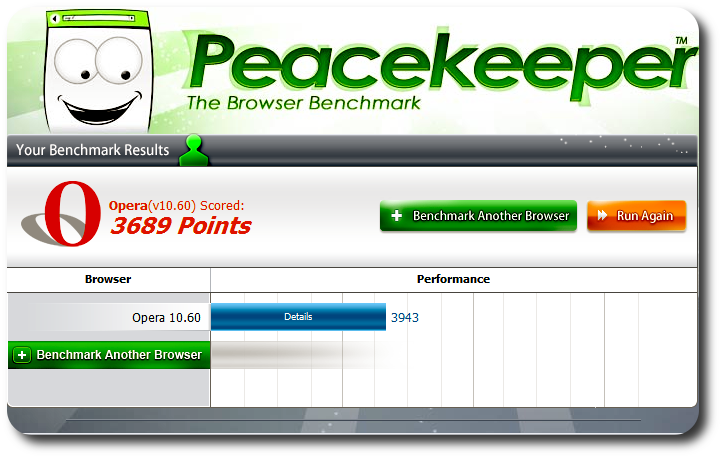
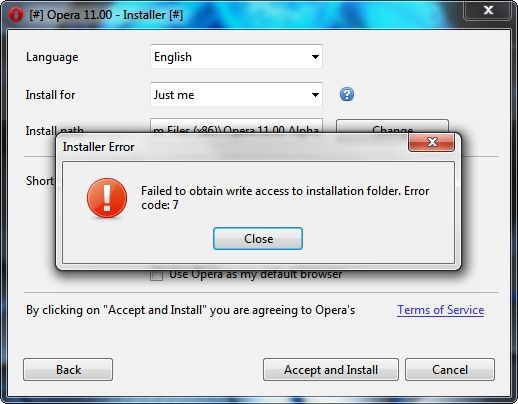
I gave up on the alpha build earlier today. After deleting the web cache and cookies and all other stuff and starting Opera again, I found it painfully slow while caching any and all websites, from Hotmail to deviantART.
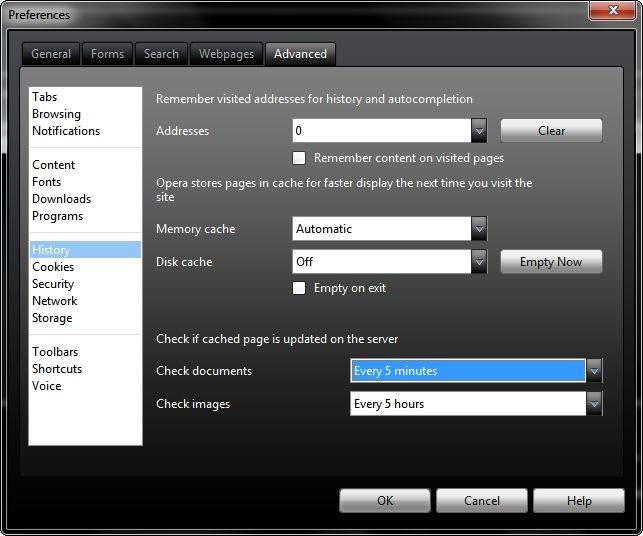
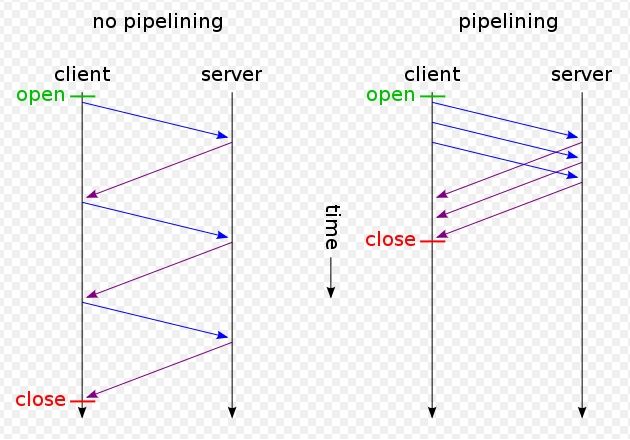
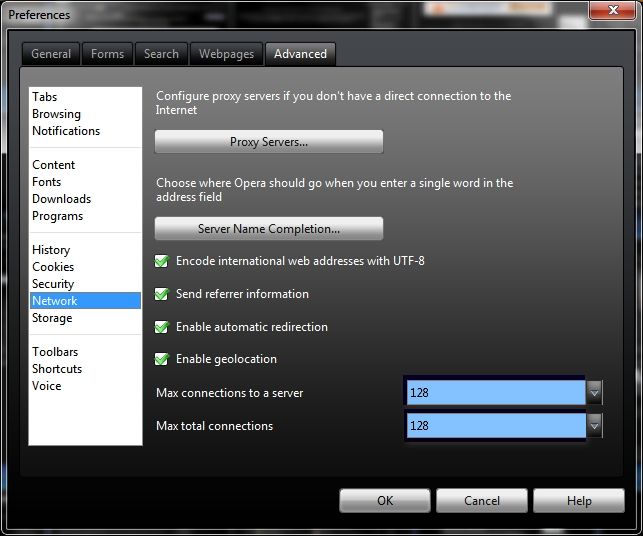
Gornot- I have always found Opera performance to be lackluster at its default settings, but by going to Menu> Settings> Preferences> Advanced> Network and ramping up the Max connections to server and Max total connections Opera will run up to 3X faster than it does at the default settings...
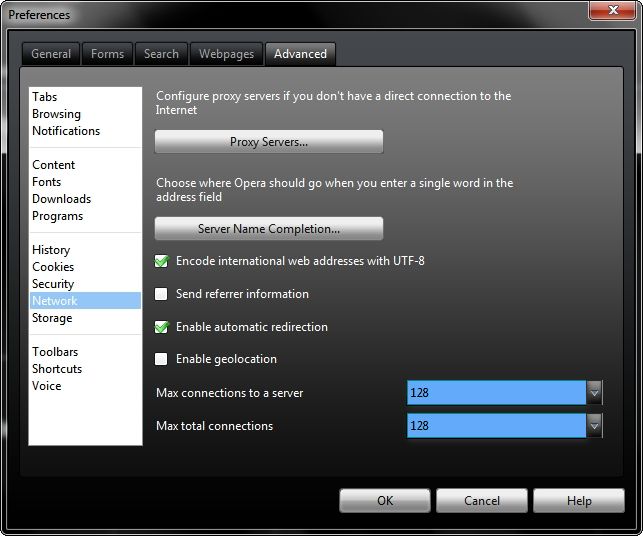
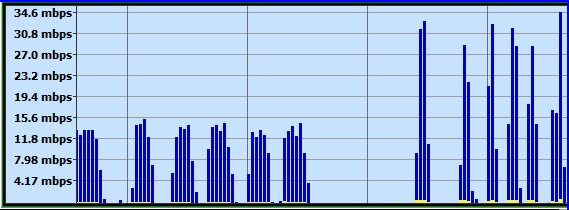
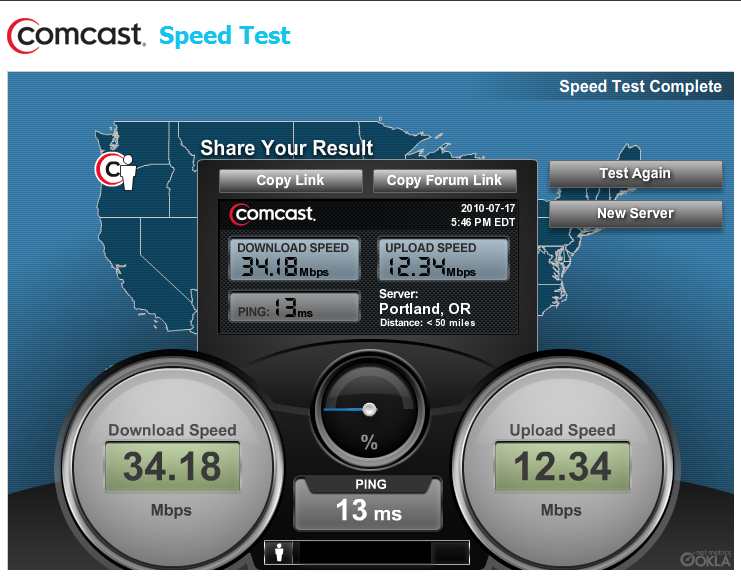
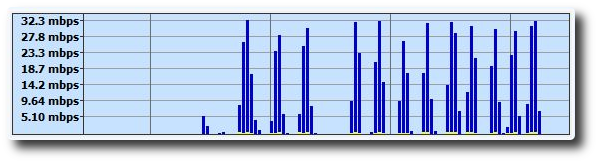
On my computer Bandwidth Meter Pro measured Opera's improvement from an original 11 Mbps at the default settings to 33 Mbps download speeds after this network settings optimization.
~Maxx~

My Computer
- Computer Manufacturer/Model Number
- HP HPE 270f
- OS
- Windows 7 x64 Home Premium
- CPU
- Intel Core i7 930 @ 2.8 Ghz Socket 1366 LGA
- Motherboard
- Pegatron Truckee v1.04E41
- Memory
- 8 GB 1366 Mhz DDR3 (PC3-10700) RAM
- Graphics Card(s)
- ATI Radeon 5770 1 GB DDR5 RAM
- Sound Card
- Realtech High Definition
- Monitor(s) Displays
- 32" Sony Bravia
- Screen Resolution
- 1366 X 768
- Hard Drives
- Intel 25nm 120 GB Series 320 SSD HD Tune- 265 MBps Read/ 130 MBps Write
LaCie 1TB + 1TB RAID 0 eSATA Drive HD Tune- 160 MBps Read/ 90 MBps Write
- Keyboard
- Logitech Illuminated
- Mouse
- Logitech MX Revolution
- Internet Speed
- 36.4 Mbps Maximum on a 37 Mbps Motorola SB501 Modem