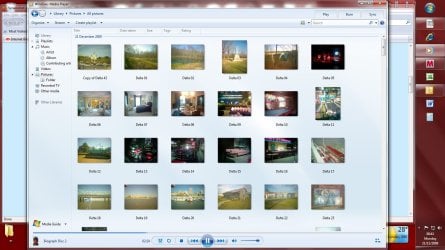
Windows has four default libraries: Documents, Music, Pictures, and Videos. You can also create new libraries. For more information, see
Create a new library.
Here are some ways you can modify an existing library:
- Include or remove a folder. Libraries gather content from included folders, or library locations. You can include up to 50 folders in one library. For more information, see Include folders in a library.
- Change the default save location. The default save location determines where an item is stored when it's copied, moved, or saved to the library. For more information, see Customize a library.
- Change the type of file a library is optimized for. Each library can be optimized for a certain file type (such as music or pictures). Optimizing a library for a certain file type changes the available options for arranging your files. For more information, see Customize a library.