I have Windows 7, and it tells me I don't have permission to save documents in the "My Documents" folder.
So I created a "new my docs" folder instead (in the Documents library on the hard drive), which worked fine for many months, but it now tells me I don't have permission to save in that either.
In addition, some of my files have somehow become "read only" and I can't add to them / edit them.
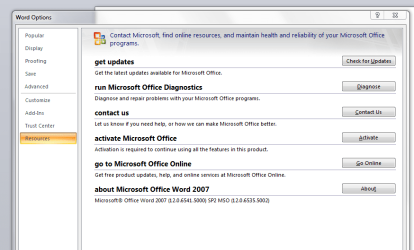
I frequently get "Word has encountered a problem" messages.
I can now only save Word docs onto a memory stick, not the hard drive.
Can anyone explain this, or help?
Thanks,
Mick9999
So I created a "new my docs" folder instead (in the Documents library on the hard drive), which worked fine for many months, but it now tells me I don't have permission to save in that either.
In addition, some of my files have somehow become "read only" and I can't add to them / edit them.
I frequently get "Word has encountered a problem" messages.
I can now only save Word docs onto a memory stick, not the hard drive.
Can anyone explain this, or help?
Thanks,
Mick9999
My Computer
- Computer Manufacturer/Model Number
- Gigabyte
- OS
- Windows 7 Home Premium 32bit