innkeeper9
New member
- Local time
- 12:51 PM
- Messages
- 19
Hi,
Background: I have win 7 pro 32 bit and I have customized it look like MY WinXp which was customsized to look like my old win 98se. This is just a desktop computer not on some company network.
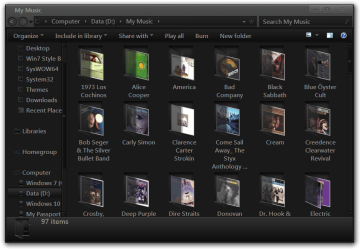
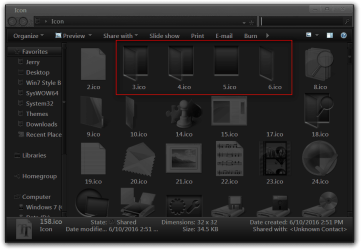
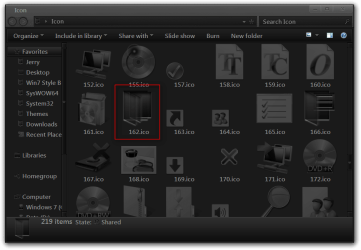
OK, once customized you cannot choose a folder, customize the icon and apply to all folders so I was trying to figure out if there was anyway to get the folder I want which is the old one from 98 and WinXP [it drives me nuts to have a folder standing on its side given that all the stuff would fall out, every one has their issues Anyway, the only way I could figure that it might be done, is if there is a method to actually replace the existing folder icon that is inside the shell32.dll. I don't really know programming so not sure if that is possible and if not then I can forget it.
Thanks!
Background: I have win 7 pro 32 bit and I have customized it look like MY WinXp which was customsized to look like my old win 98se. This is just a desktop computer not on some company network.
OK, once customized you cannot choose a folder, customize the icon and apply to all folders so I was trying to figure out if there was anyway to get the folder I want which is the old one from 98 and WinXP [it drives me nuts to have a folder standing on its side given that all the stuff would fall out, every one has their issues
Anyway, the only way I could figure that it might be done, is if there is a method to actually replace the existing folder icon that is inside the shell32.dll. I don't really know programming so not sure if that is possible and if not then I can forget it. Thanks!
My Computer
- Computer type
- PC/Desktop
- Computer Manufacturer/Model Number
- Dell
- OS
- Window 7 Pro 64bit
- CPU
- Intel Pentium G3320 @ 3.00 GHz
- Motherboard
- ?
- Memory
- RAM 4 GB
- Graphics Card(s)
- ? Intel HD Graphics
- Hard Drives
- dual boot
- Antivirus
- AVG
- Browser
- IE 11