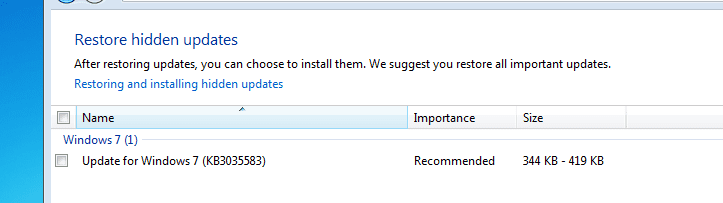
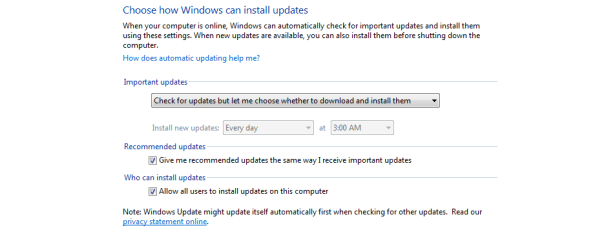
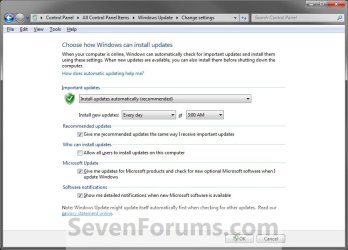
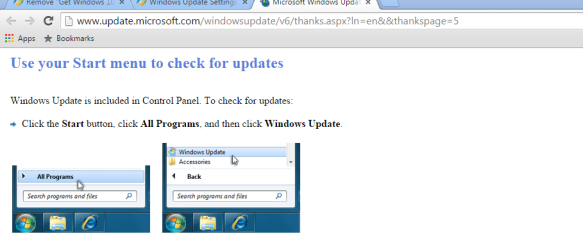
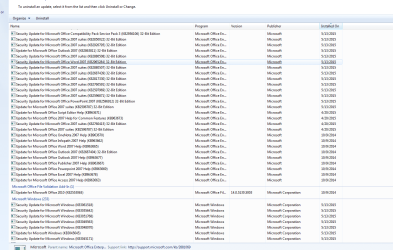
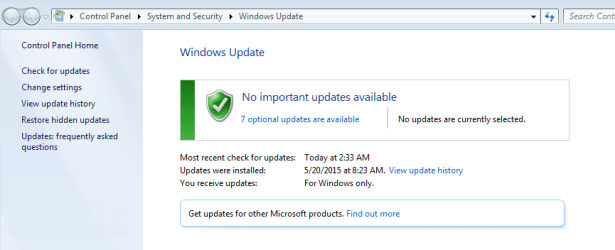
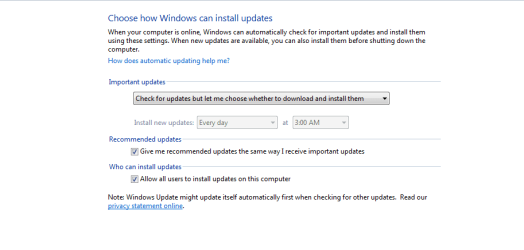
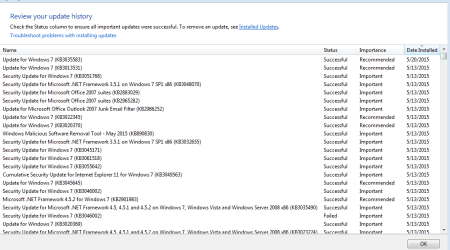
I have tried to stop it popping up via the "Hide icon and notifications icon" but it just keeps coming back. I have tried deleting the folder GWX but I get the error message that I need permission from "TrustedInstaller"
No need to uninstall it. Access Task Scheduler > Microsoft > Windows > Setup > GWX then disable triggers for "launchtrayprocess" and "refreshgwxconfig" and reboot.
I personally didn't disable this icon, though, as it wasn't really causing any havoc with my system
My Computer
At a glance
Windows 7 Home 64-bit
- Computer type
- PC/Desktop
- OS
- Windows 7 Home 64-bit