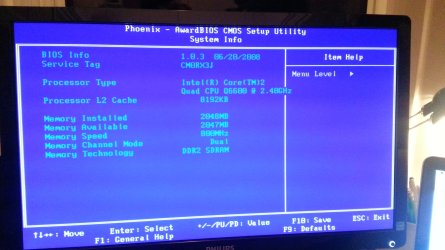
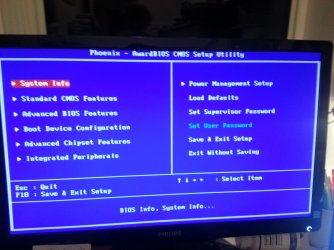
Is the BIOS set to UEFI? If so are you following the special steps in UEFI (Unified Extensible Firmware Interface) - Install Windows 7 with - Windows 7 Forums and UEFI Bootable USB Flash Drive - Create in Windows ?
Set the HDD first to boot, then trigger the flash stick to boot using the Lenovo one-time BIOS Boot Menu key.
Did you successfully create and mark Active the partition using the Diskpart commands in Step 2.2 of SSD - HDD Optimize for Windows Reinstallation? Does the partition show up in Diskpart? Does it show up during install on the drive selection screen?
Does the HD show up at all during install? Does it show up in BIOS setup? If not try reinstalling the HD to get it to show up, or if necessary replace the HD.
If the HD shows up then test your HD with the maker's HD Diagnostic extended CD scan, followed by a full Disk Check on the partition you defined.
BIOS is not set to UEFI. I followed all the steps to create partition as well. I gave up on using the USB boot and found an old boot DVD I had created for Win 7. I was able to install Win 7 successfully with the DVD so I think it was the USB all along. Thanks for your suggestion.
My Computer
At a glance
Windows 7 Professional SP1Core 2 Duo
- Computer type
- Laptop
- Computer Manufacturer/Model Number
- Lenovo
- OS
- Windows 7 Professional SP1
- CPU
- Core 2 Duo
- Hard Drives
- Hitachi Travelstar 160GB