
Error: There are no open windows, that are saved in a workplace.
This seems to be a great app. However, after installing it on my laptop running Windows 7 Enterprise 64 bit, when I right click on the icon and select "Save Workspace", I get a little popup window saying "There are no open windows, that are saved in a workplace."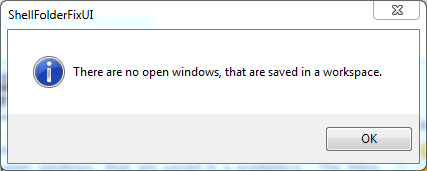
The thing is, I have plenty of windows open on my two external monitors. And this is why I need the app in the first place...
Am I doing something wrong? :huh:
/Bengt
This seems to be a great app. However, after installing it on my laptop running Windows 7 Enterprise 64 bit, when I right click on the icon and select "Save Workspace", I get a little popup window saying "There are no open windows, that are saved in a workplace."
The thing is, I have plenty of windows open on my two external monitors. And this is why I need the app in the first place...
Am I doing something wrong? :huh:
/Bengt
My Computer
- Computer type
- PC/Desktop
- Computer Manufacturer/Model Number
- Custom build
- OS
- Windows 7 Ultimate 64 bit SP1
- CPU
- Core i5 750
- Motherboard
- ASUSTeK P7P55D-E (LGA1156)
- Memory
- 8GB Dual-Channel DDR3 @ 668MHz
- Graphics Card(s)
- ATI AMD Radeon HD 5850
- Monitor(s) Displays
- HP LP2465 + LG L2300B
- Screen Resolution
- 1920x1200 + 1920x1200
- Hard Drives
- 74GB INTEL SSDSA2M080G2GC ATA Device (SSD)
1397GB WD15EARS-32MVWB0 (SATA)
1863GB WD20EARS-00S8B1 (SATA)
931GB Seagate ST1000DM003-9YN162 (SATA)
2794GB Western Digital WD My Book (USB)
1863GB DW USB
1863GB WD USB
2784GB WD USB
1863GB WD USB
- Internet Speed
- 100Mbps/100Mbps
- Antivirus
- Avira

 and thanks for the heads up. Now I know what not to try or at lease it will be all new before I change the SHELL.