I happen to know that, if it is the same issue I had.
I don't have Windows 7 in front of me right now, so I will give general instructions.
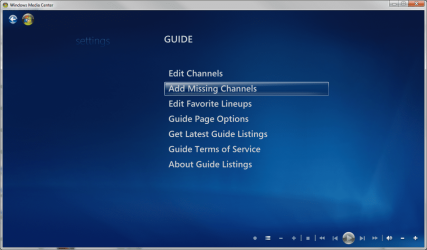
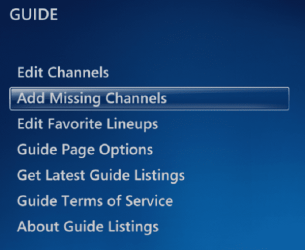
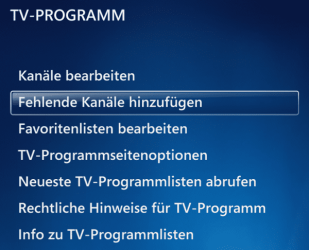
Go to setup TV, and select the Guide instead of scanning etc... (For some reason this is where to add channels).
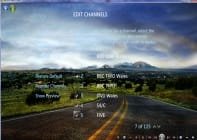
There is the possibility that it has the channel already, but it is disabled, so if you look first in "Edit Channels" you may find it and then you can simply select it to activate it.
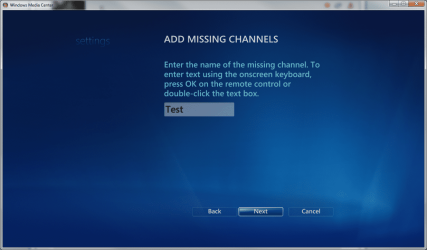
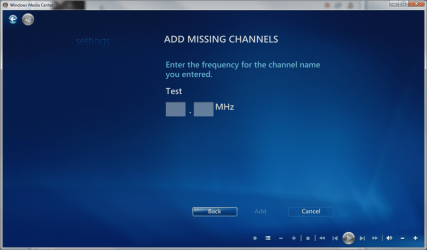
If it is not there, you have the option to add a channel. You just need to know whether to add as analog or QAM (which is available depends on your tuner) . This will enable you to tune the channel from then on.
I had the same issue in trying to get QAM channels set up that I knew were there because my tv gets them. Now all is well.
One additional idiosyncrasy I ran into... For QAM, I found that the numbers I needed were sometimes different with my PC and tuner than they were on my television. The couple of changes I found by experimenting were actually up 0.1 from where they were found on the TV... i.e. 107.1 on the TV is 107.2 on the PC.





 again messing things up like the browser choice, it thats the case nothing i can do.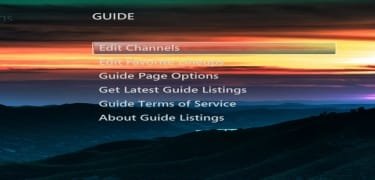



 Tomorrow I'll have the Rugby, Horse Racing and Footie on


