Q - if a service has no dependencies, does Status still need to be manual or automatic?
Manual or automatic is determined mainly by what the service does and what do you use the computer for, it's a case by case assesment with no general rule of thumb. Of course, if the service depends on some other thing and it's set on automatic, the dependencies should also be automatic. But for a standalone service, decide based on the thing it does and nothing else.
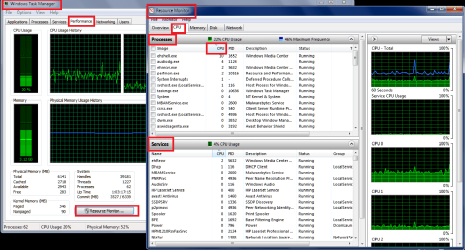
Q - if a process and/or service have the same PID, what can I make of that, if anything?
That's irrelevant. If the service is programmed to share its process, they will, otherwise they'll be independient. It's purely a developer decision and as a user we have no say in that. It's also totally unimportant, the resources consumed and actions performed will be the same.
Q - Would I be correct that creating a restore point prior to making changes would enable me to revert back in case of a mistake?
Creating a restore point is an excellent measure against mistakes if something goes really wrong. Go ahead and create as many of them as you feel like. Additionally, this could be one of the few times that a full disk image could serve you well as a backup too.
On the other hand, disabling services alone won't cause too much havoc, and the effects are quite easy to reverse if you do something wrong (just reenable it again).
You need to be careful what you stop as it could have devastating effects on stability and performance. As a general rule of thumb if you don't know what it is don't mess with it until you do research or ask.
"Devastating" is a bit too much here. Disabling services rarely has any unknown effect, but rather predictable ones, despite what Microsoft wants us to believe. At most, some feature you rely on will not work, but that's it, re-enabling the proper service restores things as they are.
I do, however, completely agree with the "ask before doing" policy.