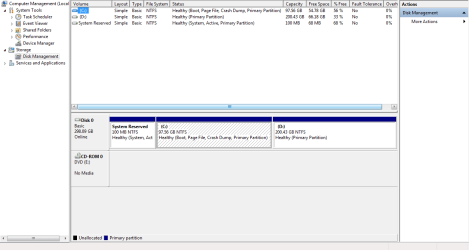
As i had mentioned, do change this System Reserved partition as hidden.
This is where the OS will check during booting process.
Should there be any issue, the computer may hang and trigger something else.
As the System Reserved partition will occupy the very first part of the HDD for booting, as this is the purpose.
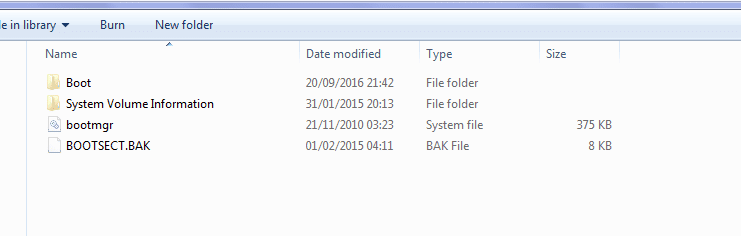
Since you can access, do copy it to the C:\ drive in case this System Reserved partition is damaged.
You can set C:\ drive to enable to boot, instead of the System Reserved partition.
There are 3 main files & folders, which is necessary for the system to boot up.
As currently there is no issue, then do nothing and set as hidden.
System Reserved partition do not need to be defrag, as it only contain a few MB.
As for the size, it is not necessary to be 100 MB exact, as long as there are 3 files & folder.
Recently when i bought a laptop and while doing cloning process (as backup) using Mini Tools Partition Wizard.
I did not check properly, and somehow this System Reserved partition was turn off.
Upon switching on the laptop, the Windows did not boot, as it go into black&white (like DOS mode) then it crashed.
Went back to the repairman, he mentioned that the system failed.