- Local time
- 8:38 AM
- Messages
- 16,784
Yes, it should have tried to integrate all .msu files in the folders created by WUD.
Sounds like you have mucked around with the folder structure.
Sounds like you have mucked around with the folder structure.
I downloaded Windows updates using WUD, copied my Win7 Pro x64 CD to my SSD and was able to get UPDATE7v5 to run with 216 .msu files in my windows update directory (I moved all the files to the same folder).
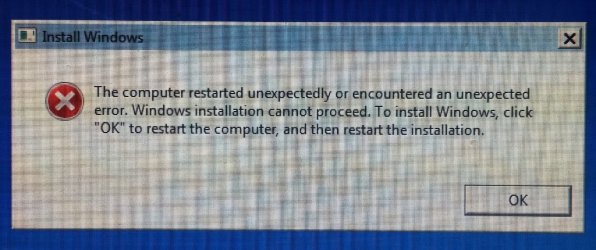
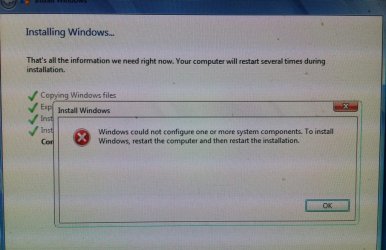
--- EDIT IN RED --- I should not have moved the .MSU files (or have unchecked the box in WUD which saves the updates in folders by category. Looking at the .CMD itself I see it looks in the specific folders. Running again, expecting no problems this time. ---
After UPDATE7V5 mounted the Windows installation, it proceeded very quickly - I remember seeing "6 of 6" and within 30 seconds it was done. I could not find a log file showing what I saw on the screen as the program ran and didn't figure out how to scroll back in the buffer to get the info.
My question is: does this sound like a normal execution? I expected to see "1 of 216" ... or at least "1 of 200" if 6 of the .msu files did not apply...
My Computers
System One System Two
-
- Computer type
- PC/Desktop
- OS
- 7 X64
- CPU
- i5 8400
- Motherboard
- gigabyte b365m ds3h
- Memory
- 2x8gb 3200mhz
- Hard Drives
- various
- PSU
- pure power 11 400w cm
- Case
- Coolermaster
- Cooling
- cryorig m9i
-
- Computer type
- PC/Desktop
- OS
- 7x64
- CPU
- g5400
- Motherboard
- ga b365m ds3h
- Memory
- 8gb ddr4 2400
- PSU
- xfx pro 450w