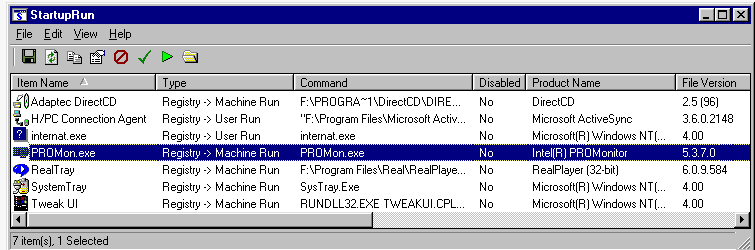
I have gone to my MSConfig and I only let my AV, my KB & Mouse start. I have also gone to Services to check that only what I want starts. Finally, I have gone to Startup and that is empty.
Yes, from time to time, Adobe updates (Flash player and what have you), Jave, etc. will pop up alerting me of new versions and while that is fine and dandy I would like to do so at my own accord so... where are this files hidden? can I stop this from happening? if so... how?
Thanks
Yes, from time to time, Adobe updates (Flash player and what have you), Jave, etc. will pop up alerting me of new versions and while that is fine and dandy I would like to do so at my own accord so... where are this files hidden? can I stop this from happening? if so... how?
Thanks
My Computer
- Computer type
- PC/Desktop
- Computer Manufacturer/Model Number
- Custom Built... Intel/Nvidia/ASRock
- OS
- Windows 7 x64 (Ultimate)
- CPU
- Intel i5-4670K
- Motherboard
- ASRock Z87 Extreme 6
- Memory
- 8GBs Ripjaws 2133Mhz
- Graphics Card(s)
- Asus GTX660 (2GBs)
- Sound Card
- Onboard Realtek HD
- Monitor(s) Displays
- Acer AL2216W
- Screen Resolution
- 1680 x 1050
- Hard Drives
- Samsung 840 SSD 120GBs
Samsung 750GB 32MB cache
1.5 TB
- PSU
- PC Cooling 750w Silencer
- Case
- Thermaltake Spedo Advance
- Cooling
- Std Cooler
- Keyboard
- Logitech G15
- Mouse
- Logitech G9
- Internet Speed
- Comcast 20Mbit
- Antivirus
- Avast
- Browser
- Firefox