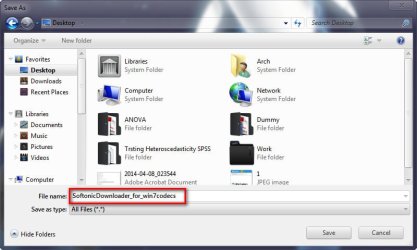
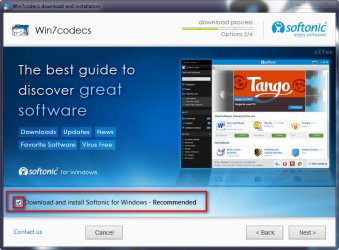
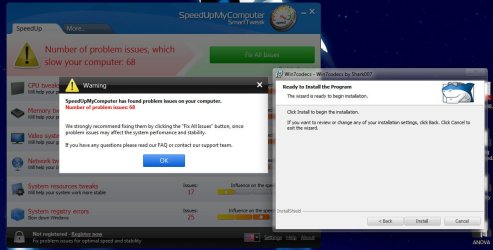
Periodically I check the listing of programs installed on my Windows 7 system and quite often find things that have installed that I/we did not intentionally authorize. These can be adware, toolbars or a myriad of other unwanted applications. Each time one is found, time & effort is required to remove them, so ---
The question - Is there a Windows setting that can be applied that will require specific authorization before a program will be installed?
Thanks in advance for any assistance offered.
C.
The question - Is there a Windows setting that can be applied that will require specific authorization before a program will be installed?
Thanks in advance for any assistance offered.
C.
My Computer
- Computer type
- PC/Desktop
- Computer Manufacturer/Model Number
- Gateway
- OS
- Microsoft Windows 7 Home Premium 64-bit 7601 Multiprocessor Free Service Pack 1
- CPU
- Intel(R) Core(TM) i5 CPU 650 @ 3.20GHz
- Motherboard
- Gateway FX6840
- Memory
- 8.00 GB
- Graphics Card(s)
- ATI Radeon HD 5570
- Sound Card
- (1) ATI High Definition Audio Device (2) Realtek High Defi
- Screen Resolution
- 1920 x 1080 x 32 bits (4294967296 colors) @ 60 Hz
- Hard Drives
- (1) ST31000528AS (2) ST31000528AS (3) Generic- Compact Flash USB Device (4) Generic- MicroSD USB Device (5) Generic- MS/MS-Pro/HG USB Device (6) Generic- SD/MMC USB Device (7) Generic- xD-Picture USB Device