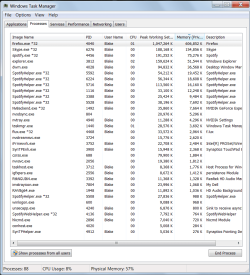
Also, are you using Spotify/Skype all the time? Figuring out what is up with Firefox and stopping Skype/Spotify if you don't need it would help.
You could also simply get more ram. Its not that expensive and its one of the best things you can do to speed up your PC, especially with your specific problem.
My Computer
At a glance
Dual Boot: Windows 8.1 & Server 2012r2 VMs: K...A10 7700 Kavari SteamRoller8GB DDR3 SDRAM PC3-85001024MB ATI AMD Radeon R7 Graphics
Computer type
PC/Desktop
Computer Manufacturer/Model Number
Custom
OS
Dual Boot: Windows 8.1 & Server 2012r2 VMs: Kali Linux, Backbox, Matriux, Windows 8.1
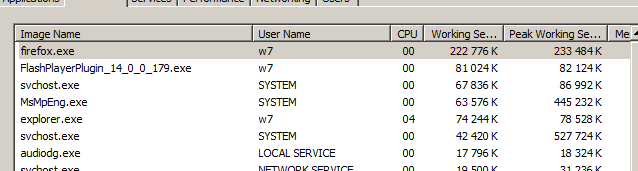
^^^ agree, unless you got an -immense- number of open tabs (or visiting some very special sites) FF should not use that much, check what's going on, eventually reinstall it.
Here's my quite normal FF behavior, 6 tabs incl. playing a youtube video.
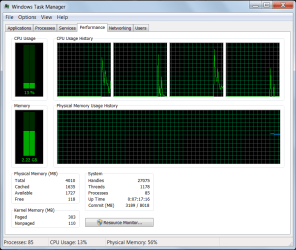
Generally about memory, it's there to be used, even with those 88 processes you still have quite some memory available.
its good for RAM to be used and you may not know this but it you go on resource manager and memory you will se that not much is free 1~6mb free for me as the rest is used as inactive ram so say I have two users logged on to a pc that has say 1gb ram it cant store any users in the ram so is very sluggish at switching but say that same machine has 4gb ram both of them will be in ram so you can flick through them quickly