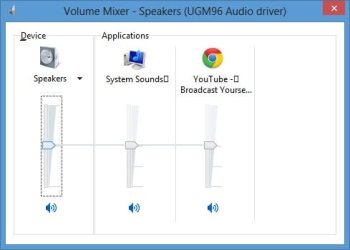
Delete it again... I had to delete it a second time too, and then it worked for me... I don't have these squares since 5 months or so. So I deleted it two times, and it worked... don't know why tough... try to delete it again...
I know your frustration, before this solution I even re-installed win 7 to get rid of the squares, and guess what, right on the first boot the squares where there, on a fresh install. So re-installation did not solve it. I think that font cache get's corrupted or something by a bug in win 7.
I know your frustration, before this solution I even re-installed win 7 to get rid of the squares, and guess what, right on the first boot the squares where there, on a fresh install. So re-installation did not solve it. I think that font cache get's corrupted or something by a bug in win 7.
My Computer
At a glance
Windows 8.1
- OS
- Windows 8.1