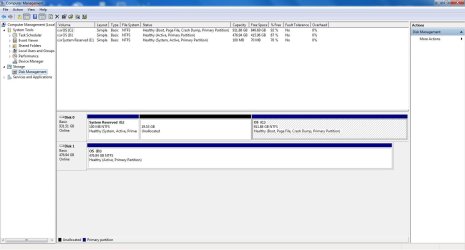
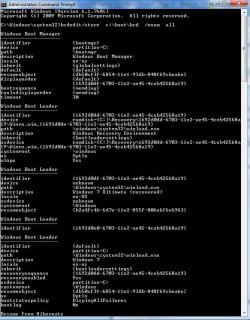
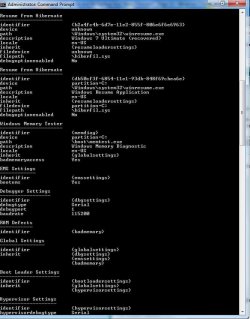
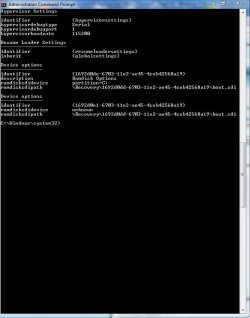
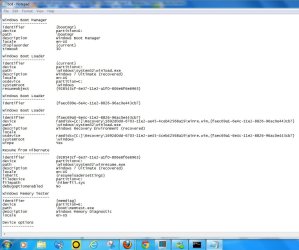
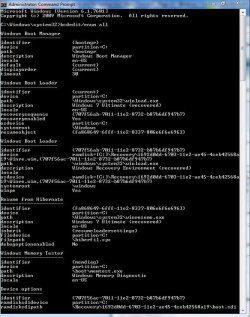
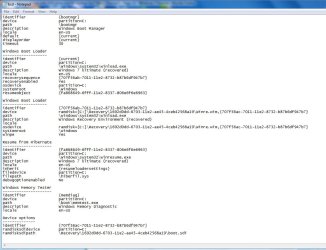
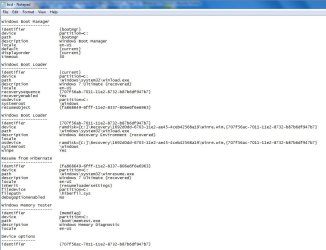
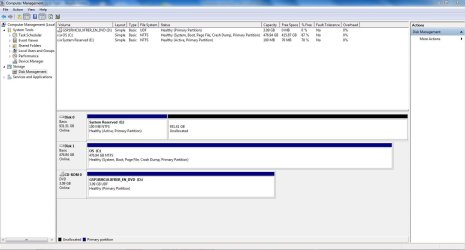
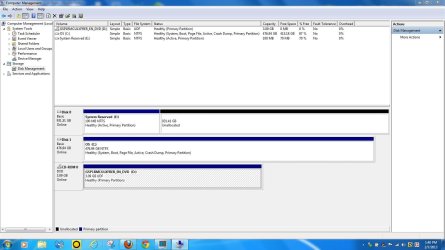
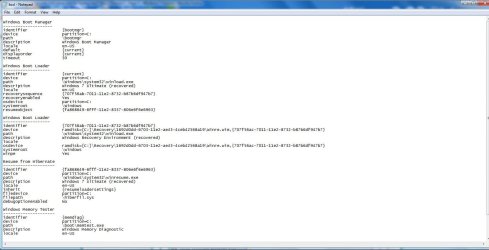
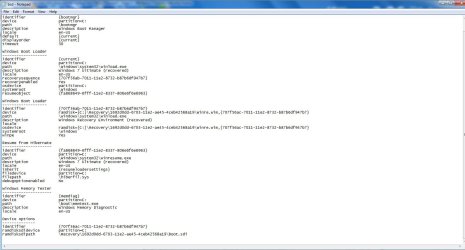
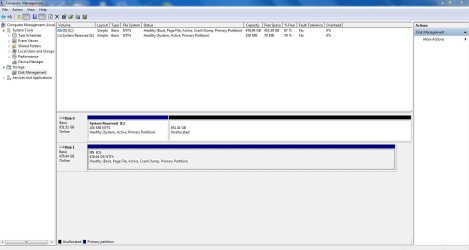
Just mark E (system reserved) inactive. Does it boot (even without dvd in tray)? That's what I asked! If you don't answer, I can't give you further instructions. If it does boot, post screenshot.
I first wanna have prove. Afterwards we just gonna delete old C and system reserved.
I ( and you) want it to boot even without old HDD!! so if old HDD fails...it still can boot.
"system reserved" is just for bootmenu and bootmgr. But it can also be merged to OS (as we did a long time a go succesfully).
I first wanna have prove. Afterwards we just gonna delete old C and system reserved.
I ( and you) want it to boot even without old HDD!! so if old HDD fails...it still can boot.
"system reserved" is just for bootmenu and bootmgr. But it can also be merged to OS (as we did a long time a go succesfully).
Last edited:
My Computer
At a glance
Microsoft Windows 7 Home Premium 64-bits 7601...Intel(R) Core(TM) i3 CPU M 370 @ 2.40GHz4,00 GBATI Mobility Radeon HD 5400 Series
- Computer type
- Laptop
- Computer Manufacturer/Model Number
- ACER ASPIRE 5742G
- OS
- Microsoft Windows 7 Home Premium 64-bits 7601 Multiprocessor Free Service Pack 1
- CPU
- Intel(R) Core(TM) i3 CPU M 370 @ 2.40GHz
- Motherboard
- Acer Aspire 5742G
- Memory
- 4,00 GB
- Graphics Card(s)
- ATI Mobility Radeon HD 5400 Series
- Sound Card
- (1) AMD High Definition Audio Device (2) Realtek High Defi
- Screen Resolution
- 1366 x 768 x 32 bits (4294967296 colors) @ 60 Hz
- Hard Drives
- WDC WD5000BEVT-22ZAT0