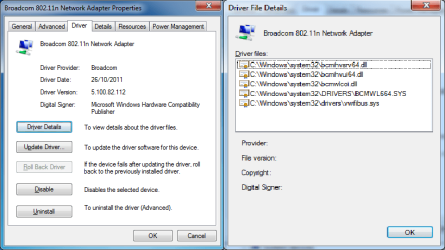
Excuse my ignorance but will that driver work with my adapter - Broadcom 802.11n ?
sorry, my mistake, after asking the number i went on to inform you of the latest update for my drivers.
assuming they were the same. brain fart i think!
hope you get it resolved soon.
before you run the trouble shooter next time try and disable the network connection then enable it and see if that makes any difference.
open network and sharing center /change adapter settings.
then on your network connection right click it and disable, then right click and enable.
if this works it may be easier that the trouble shooter each time. until you get it resolved.
who is your isp?, out of interest.
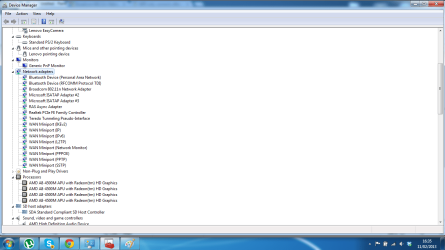
also if you open device manager and expend the network adapters tree, right click on your wifi and select properties /driver tab ,it will have the information as to the number and driver version.
if you post the driver version then its possible we can see if there is a newer version somewhere