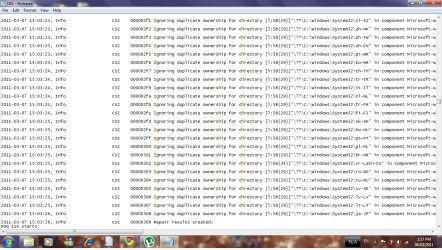
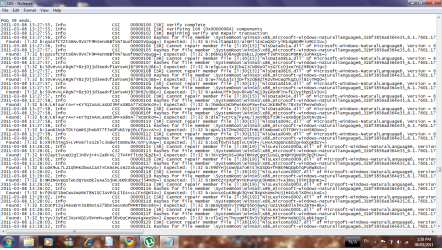
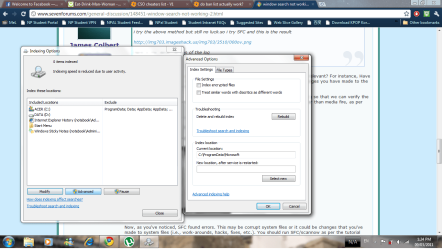
i try the above method but still no luck.so i try SFC and this is the result
http://img703.imageshack.us/img703/3510/000ov.png
here is the detail version of the log
CBS.log
Before we go any further,
have you made any changes to the system that might be relevant? For instance, Have you changed
Program Data folder location, user files, etc.? Try to remember any changes you have made to the system that might be relevant.
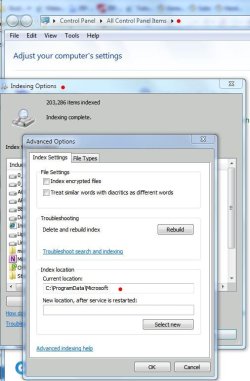
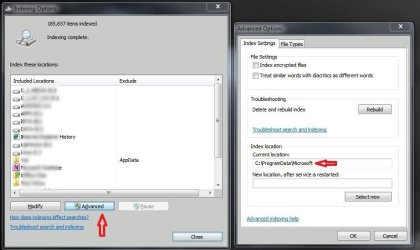
Also, can you please post a screenshot of your
Index Options/Advanced Options dialog so that we can verify the index location (see screenshot)? Also, please upload images and files to
this site rather than media fire, as per this tut:
http://www.sevenforums.com/tutorials/9733-screenshots-files-upload-post-seven-forums.html
You can use the
Snip Tool if you like.
Here's the screenshot example of what we'd like to see:
Now, as you've noticed, SFC found errors. This may be corrupt system files or it could be changes that you've made to system files (i.e., work-arounds, hacks, fixes, etc.). You should run SFC/scannow as per the tutorial here:
SFC/Scannow, or via the link Brian posted (
command line scan).
Read the entire tutorial before you begin. As it states, you may have to run it multiple times. If you
have made modifications to system files, this process will revert them to the system defaults, so you will lose those changes (you can reinstate them after your Search issues are resolved). This will not revert any moved user files, folders (i.e., Program Data) to their original location (again, please let us know if you've made such changes).
If, after running SFC Scannow 3 times, the 'integrity violations' are still not repaired,
then upload your CBS.log file (to this site) so that we can have a look.
James
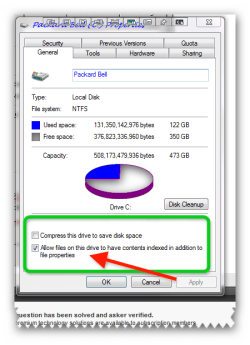
Edit (Important!): Just to verify, you have tried checking in another user account and verified that an index is built/being built and that search items are returned?
Also, another helpful link:
http://www.sevenforums.com/tutorials/69138-search-indexing-troubleshoot-shortcut-create.html