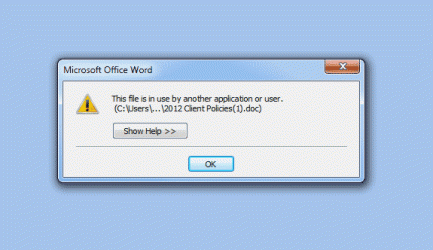
I've been running into this problem for a few months now (I've had Windows 7 longer than that) and recently Windows 7 will not open .zip files if I was to download them from BaseCamp.
I used to be able to, but not in a few months.
I've already take the steps of downloading WinZip and 7-Zip and have the same problem. It won't open the files claiming that "Access to the Compresed (zipped) Folder 'C:\blah blah\.zip' is denied." Which is a bunch of manure because the files are not encrypted and they're not set to 'Read-Only', etc.
So if I request the files to be Skyped to me, Skype refuses to download them. So when I make another attempt to download the files from Skype, I have to change the name of the file, then it will download, and then I can open it without any problems.
Problem is, I use BaseCamp quite a bit and reliance on this system is high when it comes to downloading files. Windows 7 has become quite unreliable in opening these files (that and 7-Zip and WinZip).
The files that are uploaded to BC are coming from someone who uses a Mac, if that matters.
I hope someone can help me with this issue because it has cost me (and still does) time to try to work.
Thank you for your time.
I used to be able to, but not in a few months.
I've already take the steps of downloading WinZip and 7-Zip and have the same problem. It won't open the files claiming that "Access to the Compresed (zipped) Folder 'C:\blah blah\.zip' is denied." Which is a bunch of manure because the files are not encrypted and they're not set to 'Read-Only', etc.
So if I request the files to be Skyped to me, Skype refuses to download them. So when I make another attempt to download the files from Skype, I have to change the name of the file, then it will download, and then I can open it without any problems.
Problem is, I use BaseCamp quite a bit and reliance on this system is high when it comes to downloading files. Windows 7 has become quite unreliable in opening these files (that and 7-Zip and WinZip).
The files that are uploaded to BC are coming from someone who uses a Mac, if that matters.
I hope someone can help me with this issue because it has cost me (and still does) time to try to work.
Thank you for your time.
Attachments
My Computer
- OS
- Windows 7 32 bit Home Premium