Currently trying to login to my main user account and getting (what appears to be) an insane memory leak.
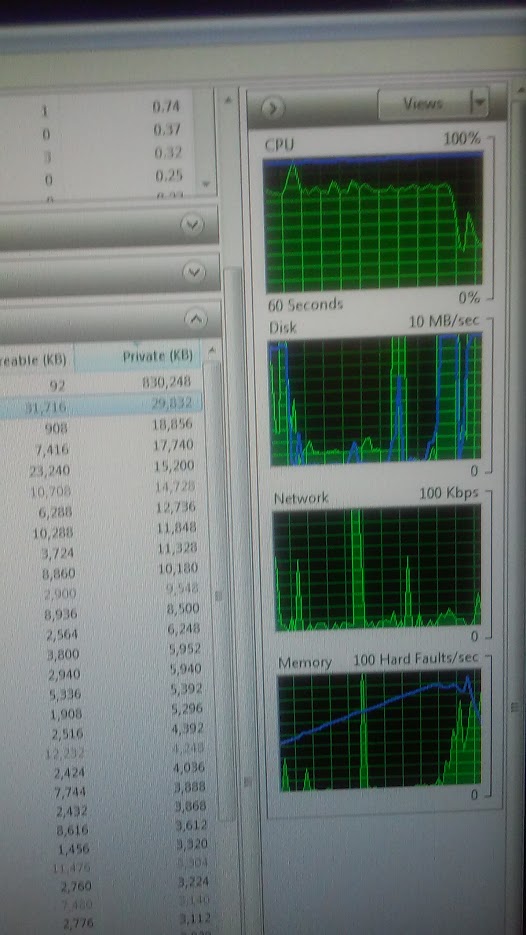
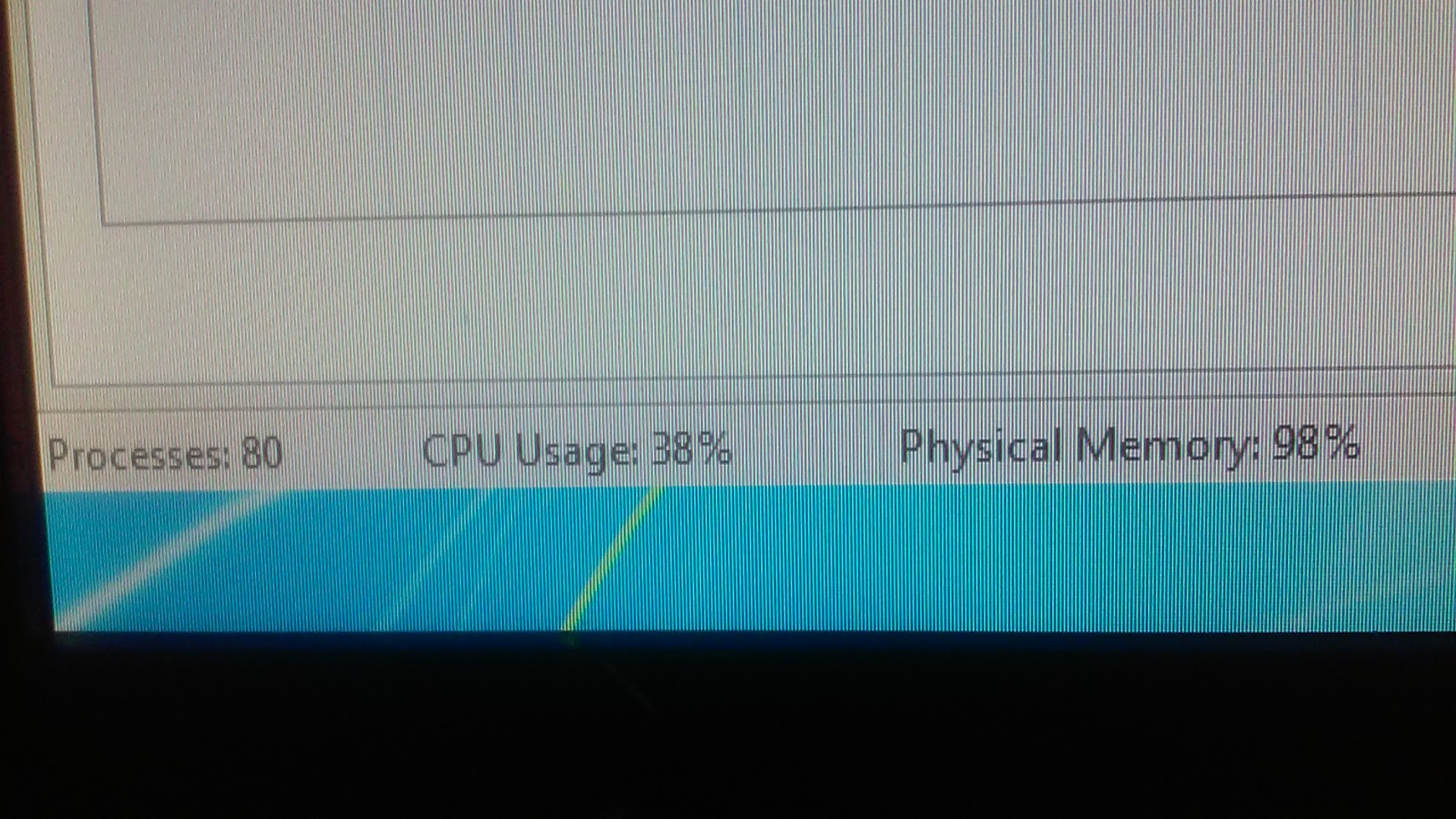
Explorer fails to start properly, and when looking at task manager the memory being used is continuously rising and rising until I hit 99% memory usage, in which case the computer almost completely locks up and prevents me from doing anything, resulting in me performing a hard reset with the reset button.
I CANNOT re-install Windows. I have lots of data on here (and it is all still accessible), but I also still have settings and configurations for my Windows account that I really don't want to lose. Not to mention I have tons of useful programs that I can't be bothered to re-install.
I have tried a system restore and it worked for a couple of minutes until my memory started going up again.
To be clear: The computer displays a black screen with nothing on it and memory is going up rapidly (using all 8GB in a matter of 2 minutes or less). I have tracked one problem to GWX.exe, which has to do with a Windows 10 upgrade I decided not to take. The other problem is explorer.exe, which is taking up the bulk of my system resources. I have a feeling that something is stuck on there.
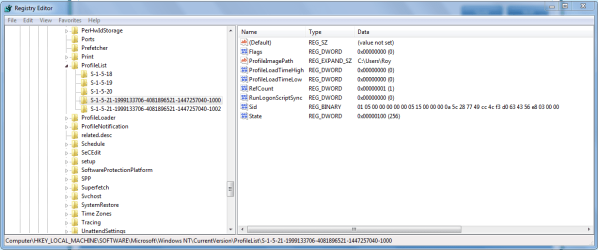
For even more clarification: This is ONLY happening on my main user account. My other user account(s) are fine and act completely normal, which makes me believe that it has something to do with the files or startup for that specific user account.
The only other thing that is taking up a bunch of memory is svchost using about 256 MB of memory, but that's fine.
The thing that's actually using up all of my resources is questioning. In some testing I did it has been explorer.exe but in some cases it was GWX or svchost. It's really odd and I have no idea how to fix any of this.
I am usually always able to fix it via some quick and snappy google searching but this has stumped me beyond imagination and I have to resort to asking some questions on the forums.
Thank you, and have a nice day.
Explorer fails to start properly, and when looking at task manager the memory being used is continuously rising and rising until I hit 99% memory usage, in which case the computer almost completely locks up and prevents me from doing anything, resulting in me performing a hard reset with the reset button.
I CANNOT re-install Windows. I have lots of data on here (and it is all still accessible), but I also still have settings and configurations for my Windows account that I really don't want to lose. Not to mention I have tons of useful programs that I can't be bothered to re-install.
I have tried a system restore and it worked for a couple of minutes until my memory started going up again.
To be clear: The computer displays a black screen with nothing on it and memory is going up rapidly (using all 8GB in a matter of 2 minutes or less). I have tracked one problem to GWX.exe, which has to do with a Windows 10 upgrade I decided not to take. The other problem is explorer.exe, which is taking up the bulk of my system resources. I have a feeling that something is stuck on there.
For even more clarification: This is ONLY happening on my main user account. My other user account(s) are fine and act completely normal, which makes me believe that it has something to do with the files or startup for that specific user account.
The only other thing that is taking up a bunch of memory is svchost using about 256 MB of memory, but that's fine.
The thing that's actually using up all of my resources is questioning. In some testing I did it has been explorer.exe but in some cases it was GWX or svchost. It's really odd and I have no idea how to fix any of this.
I am usually always able to fix it via some quick and snappy google searching but this has stumped me beyond imagination and I have to resort to asking some questions on the forums.
Thank you, and have a nice day.
My Computer
At a glance
Windows 7 Ultimate x64Intel Core i5-44408GB Kingston HyperX 1600MHz (Red variety)Gigabyte R9 380 (4GB)
- Computer type
- PC/Desktop
- Computer Manufacturer/Model Number
- custom build
- OS
- Windows 7 Ultimate x64
- CPU
- Intel Core i5-4440
- Motherboard
- MSi Z97 PC MATE
- Memory
- 8GB Kingston HyperX 1600MHz (Red variety)
- Graphics Card(s)
- Gigabyte R9 380 (4GB)
- Hard Drives
- 1TB Western Digital "Blue" 7200rpm Hard Drive
- Browser
- Google Chrome