Windows 7 install from x32 to x64 error! Nightmare!

@gregrocker.
I am currently updating the usbflash drive using usb universal installer v1.9.1.4.
I will wipe the hdd through "run" diskmgmt.msc and let you know how that goes.
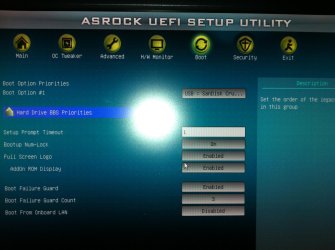
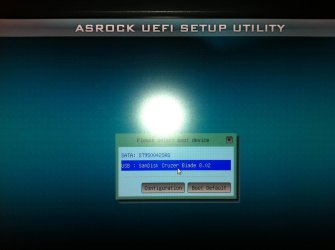
and efi bios? I have uefi bios and setup when I press f2 or del during POST. and bootmanager when I press F11.
I assumed that Legacy bios was when I turned all the uefi drives off and let the start up continue?
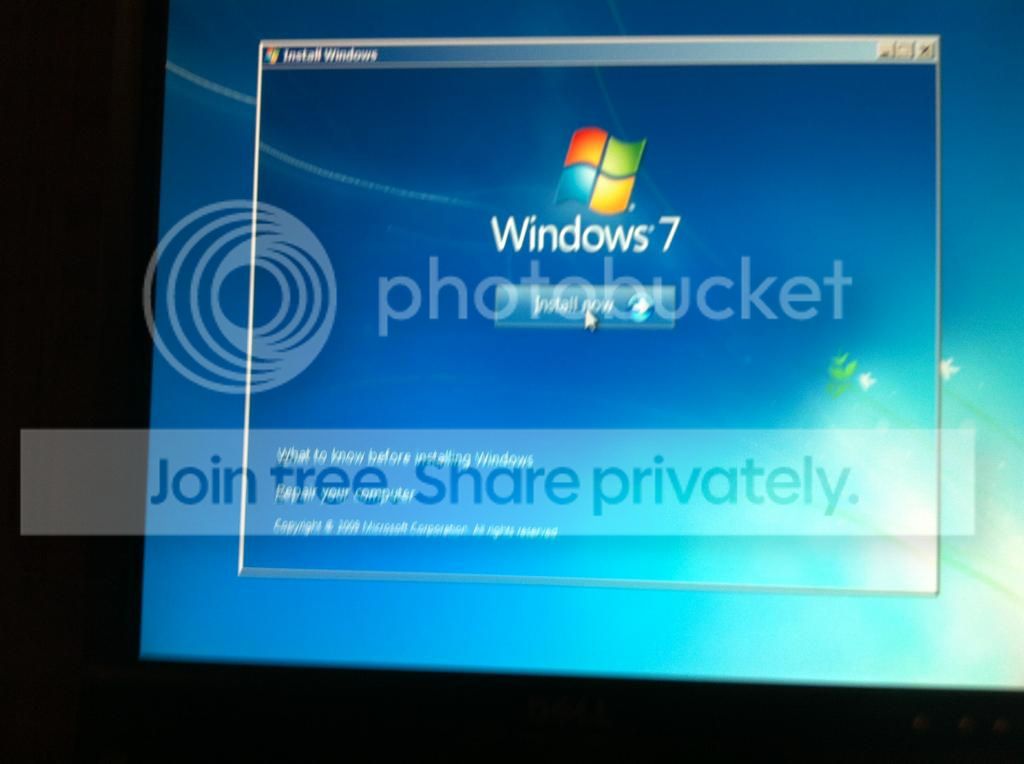
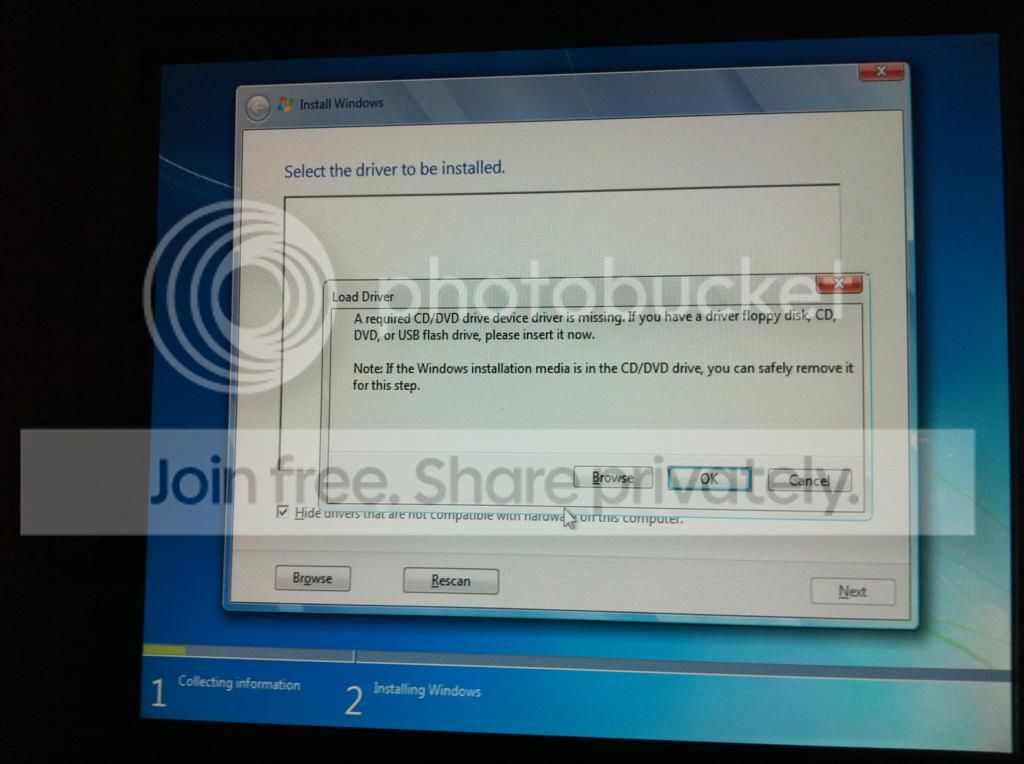
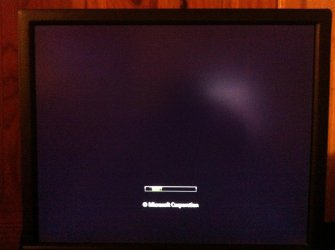
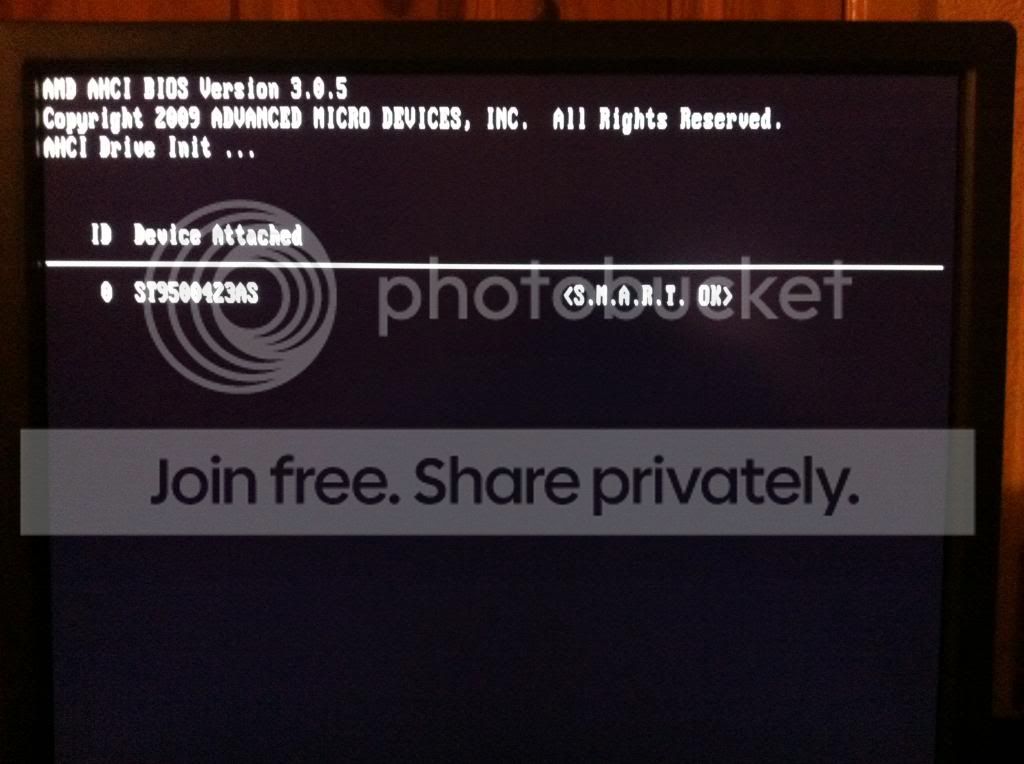
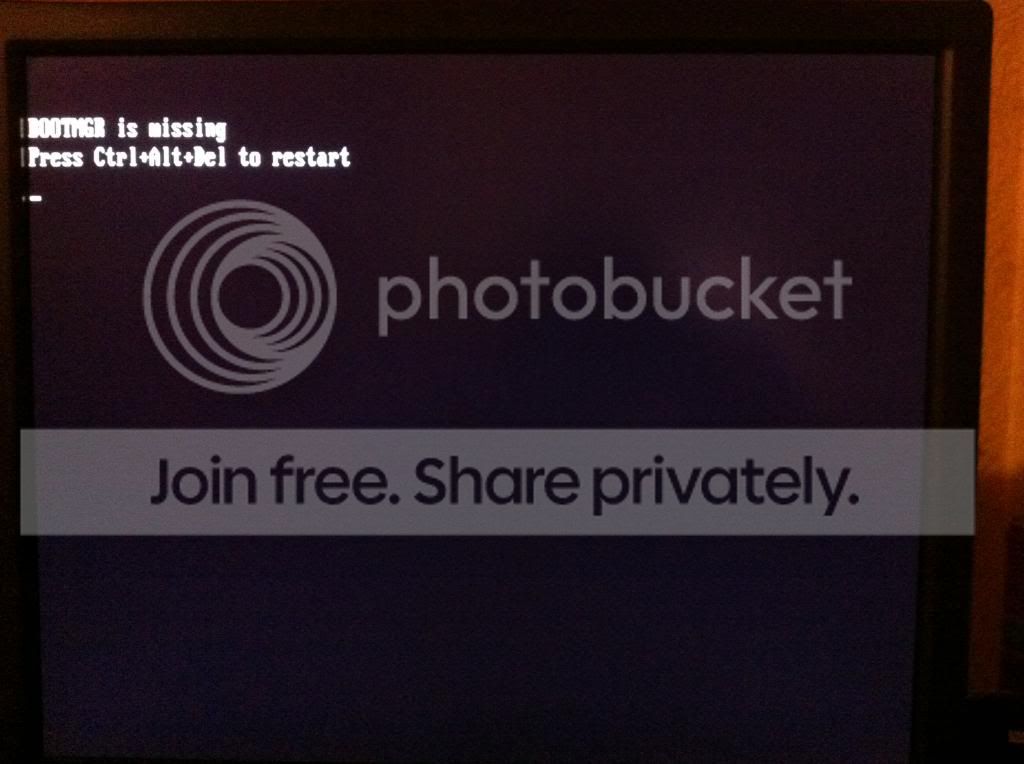
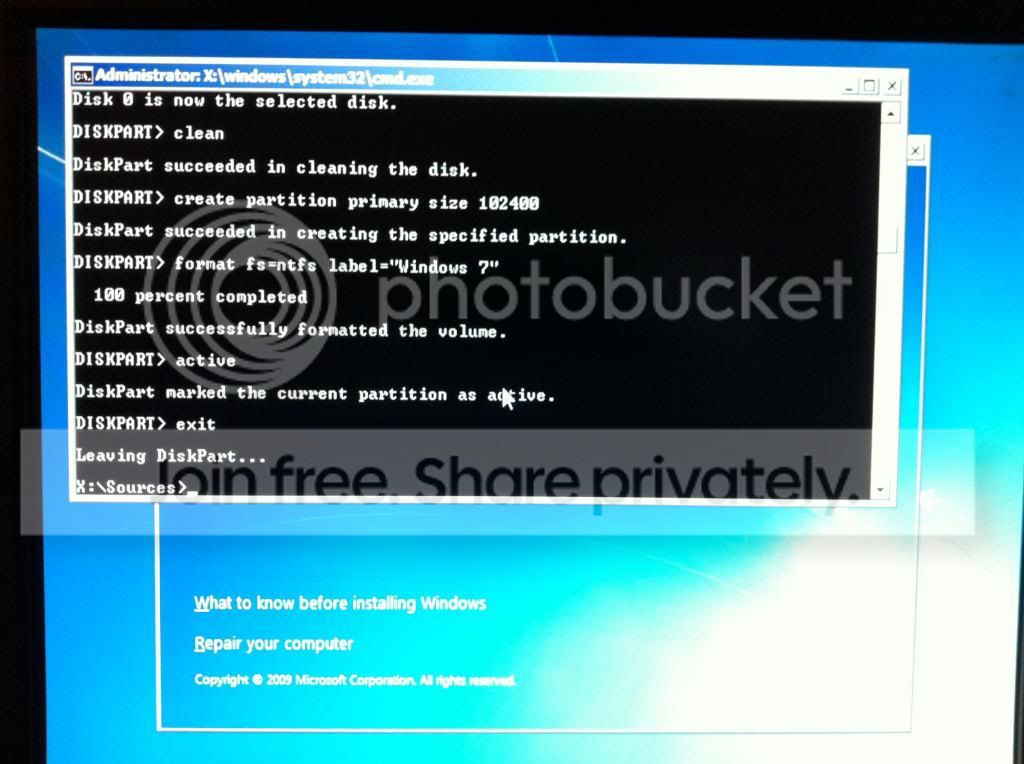
Typically this is the process that I get:
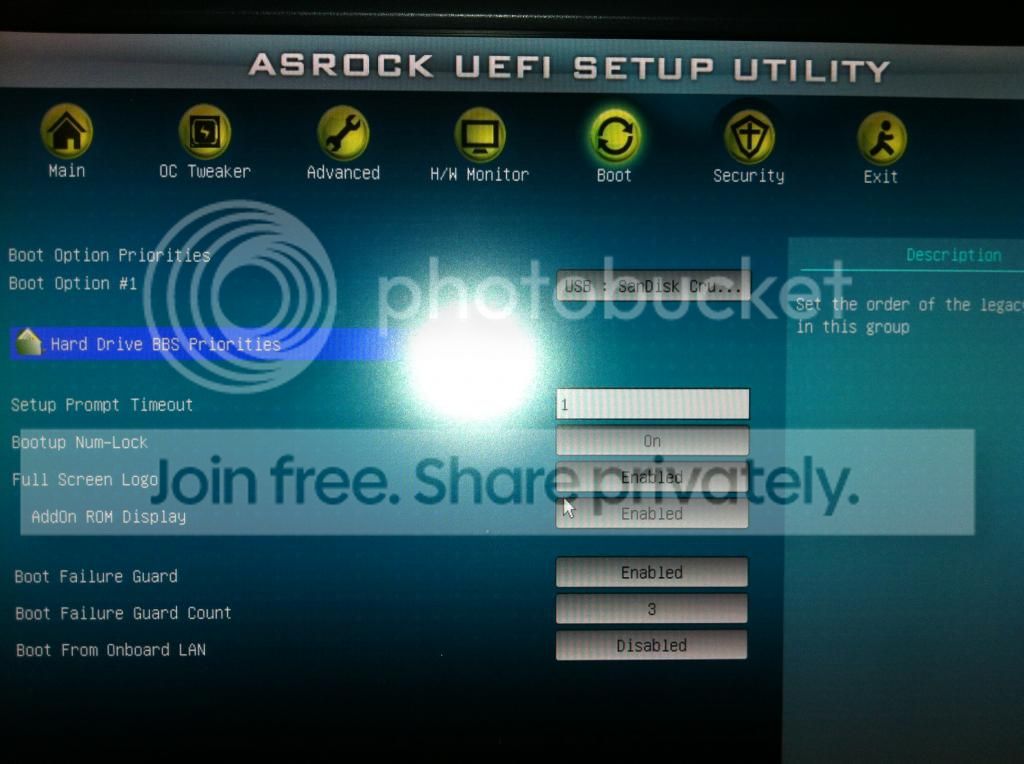
IMG_1760_zpsef35d19f.jpg
(the boot option #1 was changed to the 500gb hdd)
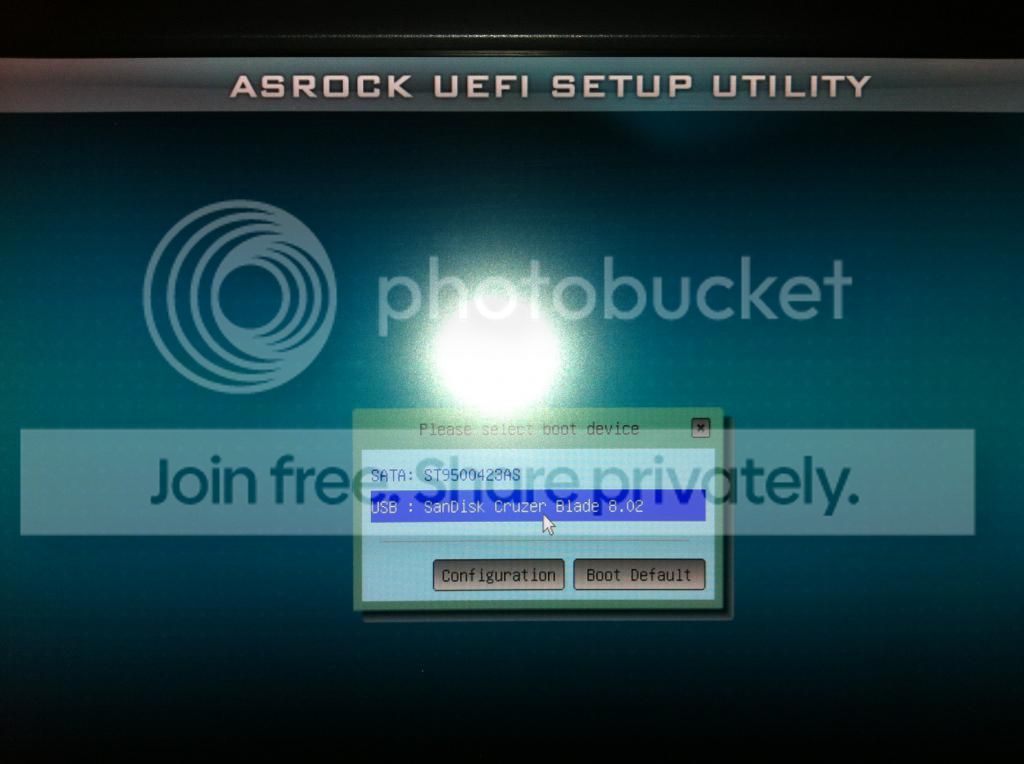

IMG_1761_zpse85da807.jpg


IMG_1762_zps6dce4d69.jpg


IMG_1764_zps836b032d.jpg


IMG_1765_zpsfa170efa.jpg


IMG_1766_zpsc770c7f9.jpg


IMG_1767_zps39a76490.jpg


IMG_1768_zps2f37712f.jpg


This process was through a usb flash drive (with the x32bootsect file) uploaded via windows usb/dvd download tool.
If I did anything wrong, please let me know.

I will be following a few more of the suggestions after I finish work.
 

Attachments
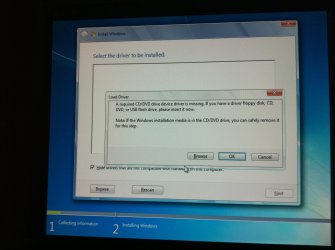
  • IMG_1768.jpg
    IMG_1768.jpg
    378.1 KB · Views: 7
  • IMG_1760.jpg
    IMG_1760.jpg
    379.5 KB · Views: 9
  • IMG_1761.jpg
    IMG_1761.jpg
    275.3 KB · Views: 6
  • IMG_1763.jpg
    IMG_1763.jpg
    268.4 KB · Views: 6
  • IMG_1764.jpg
    IMG_1764.jpg
    459.6 KB · Views: 6

My Computer My Computer

At a glance

Windows 7 Ultimate x32Amd Athlon II X3 460 (3.4Ghz)16gb (4x4GB) Corsair Xms3 1033mhzNVidia Geforce 9600GT
Computer Manufacturer/Model Number
Custom Build
OS
Windows 7 Ultimate x32
CPU
Amd Athlon II X3 460 (3.4Ghz)
Motherboard
Asrock 970 Extreme4
Memory
16gb (4x4GB) Corsair Xms3 1033mhz
Graphics Card(s)
NVidia Geforce 9600GT
Hard Drives
Seagate 320GB (Ide w/ Adaptor to sata)
seagate 500Gb (sata II) (blank/empty) st9500423as
PSU
600w
@nakatuk
The windows usb/dvd download tool always gives me the error of trying to make a bootable x64 usb in a x32 system, hench why I tried the fix that microsoft+windows usb/dvd download tool suggested.
Which goes to the error pictures I have posted.
personally, I would agree with the bad media, but with 4-5 separate downloads (one turned out to be x32 again) would only suggest that the .iso suggested is also bad.
My dvd writer is probably bad quality because it is quite old. But it isn't a laptop one. and the dvd's are almost definitely not recommended.
Funnily enough the usb stick drive you suggested is the one I managed to borrow from a friend (sandisk cruzer 8gb)
Which results in the same failiure.
I have just completed the uploading of the media to the usb flash drive Via the tool gregrocker suggested and I will try that after I finish work later on.

@theog

I have never plugged the usb flash drive into the usb3 ports, but I am using it in the front usb2 ports. Am I doing that wrong.
Would plugging it into the rear usb2 ports help?
I will also go through the tutorial that you have provided, if the other methods don't work.

Thanks again,
-v3
 

My Computer My Computer

At a glance

Windows 7 Ultimate x32Amd Athlon II X3 460 (3.4Ghz)16gb (4x4GB) Corsair Xms3 1033mhzNVidia Geforce 9600GT
Computer Manufacturer/Model Number
Custom Build
OS
Windows 7 Ultimate x32
CPU
Amd Athlon II X3 460 (3.4Ghz)
Motherboard
Asrock 970 Extreme4
Memory
16gb (4x4GB) Corsair Xms3 1033mhz
Graphics Card(s)
NVidia Geforce 9600GT
Hard Drives
Seagate 320GB (Ide w/ Adaptor to sata)
seagate 500Gb (sata II) (blank/empty) st9500423as
PSU
600w
Why are you wiping the HD through Disk Mgmt? The Clean command given clearly stated it to be run from the installer Command line. Your other HD's should be unplugged. This is the most basic step.

Many BIOS' have a Legacy BIOS option that must also be ticket to disable EFI if you're not planning to install in EFI mode, which I believe failed for you. What I would do now is study your mobo Manual on it's Support Downloads webpage to see exactly how this is done, or to try again installing 64 bit in EFI Mode if those instructions are more complete than UEFI (Unified Extensible Firmware Interface) - Install Windows 7 with - Windows 7 Forums
 
@Gregrocker
I haven't wiped the hdd I plan on installing the win 7 x64 on, it still has the partition (with the x32 windows from the torrent download I got that said it was x64, "deleted now"), and I would have still followed the shift+f10 method after diskmgmt to make sure it was as you suggested for me.
I just thought it may mess things up even booting up (not directly ofcourse) with a drive that had x32 on it and wanted to make double sure.
I do disconnect every other hdd, dvd, usb and even the speakers. I am just now going to google my mobo for the cmos reset and the legacy bios so I know if I have done them correctly or not.

The manual I have is very vague for the settings. It gives a couple of steps then "install OS as normal" But I will also try to work out if I have a legacy bios option and try to install from that and shift+f10 route and follow your tutorial for a clean install or a clean re-install.

One thing I did want to ask is does anyone know of a tool that will ensure I 100% get the download perfect on my computer so I can rule out for sure the bad .iso?
I read a few threads and the problem was resolved by using a download manager or checking md5?. I don't know if I will need it, but I don't think it will hurt to try.
 

My Computer My Computer

At a glance

Windows 7 Ultimate x32Amd Athlon II X3 460 (3.4Ghz)16gb (4x4GB) Corsair Xms3 1033mhzNVidia Geforce 9600GT
Computer Manufacturer/Model Number
Custom Build
OS
Windows 7 Ultimate x32
CPU
Amd Athlon II X3 460 (3.4Ghz)
Motherboard
Asrock 970 Extreme4
Memory
16gb (4x4GB) Corsair Xms3 1033mhz
Graphics Card(s)
NVidia Geforce 9600GT
Hard Drives
Seagate 320GB (Ide w/ Adaptor to sata)
seagate 500Gb (sata II) (blank/empty) st9500423as
PSU
600w
If you download the ISO given in Clean Reinstall - Factory OEM Windows 7
to completion and burn it using the tool or alternate tool if suggested, then it will be fine.

The steps are here to Clear CMOS - 3 Ways to Clear the CMOS - Reset BIOS.
Is there a way to reset your BIOS to defaults or have you even looked?

I thought you had wiped the drive, the very first troubleshooting step we give. If you're not intending to cooperate then please don't waste our time as there are thousands of others who want a perfect install.
 
Gregrocker I have cleared the Cmos via the "clr cmos" button on the back of my motherboard. It has set all bios to default and showed me in a boot up screen.
At first it gave me an error because I had the 500gb drive as primary. When I changed it, it went back to normal. Booted up windows and sucessfully reset bios to 3.0.5.
IMG_1772.jpg


This is the error I got...
IMG_1773.jpg


After that had booted up windows, confirmed the new bios and saved it as the default and restarted (or whatever it needed to do)
I proceeded to shut down the computer once again.
Removed the unused hdd, power supply from the psu, sata cable from the mobo and the until from the case.
Removed the cd/dvd drives, power supply from the psu, sata cable from the mobo and unit from the case.
Removed the speaker jack plugs.
Removed the usb internet dongle from the rear of the computer.

Checked the connections of the 500gb hdd.
And plugged the usb flash drive in the rear usb 2.0 ports that theog suggested.
I then powered up the system. Pressed F11 to boot from the usb drive once.
Got to the install now page.
IMG_1769.jpg


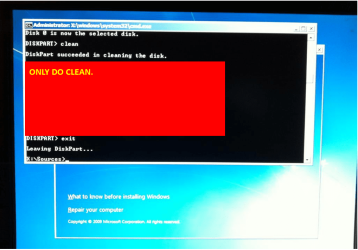
Typed the commands exactly as you stated. and formatted the remaining hdd.
And got the same error of a cd/dvd drive device driver is missing.
:(
 

My Computer My Computer

At a glance

Windows 7 Ultimate x32Amd Athlon II X3 460 (3.4Ghz)16gb (4x4GB) Corsair Xms3 1033mhzNVidia Geforce 9600GT
Computer Manufacturer/Model Number
Custom Build
OS
Windows 7 Ultimate x32
CPU
Amd Athlon II X3 460 (3.4Ghz)
Motherboard
Asrock 970 Extreme4
Memory
16gb (4x4GB) Corsair Xms3 1033mhz
Graphics Card(s)
NVidia Geforce 9600GT
Hard Drives
Seagate 320GB (Ide w/ Adaptor to sata)
seagate 500Gb (sata II) (blank/empty) st9500423as
PSU
600w
The BIOS reset likely enabled EFI again, so you need to be sure it is removed in both places or whatever the Manual says.

Set the HD first to boot and boot the flash stick using one-time BIOS Boot menu key given on first screen or in your Manual.

Can we see every possible EFI setting including the boot choices you say are for EFI?
 
Only do clean.

IMG_1769-2.PNG
 

My Computer My Computer

At a glance

ME/XP/Vista/Win7
OS
ME/XP/Vista/Win7
Back
Top