
MsGuided
New member
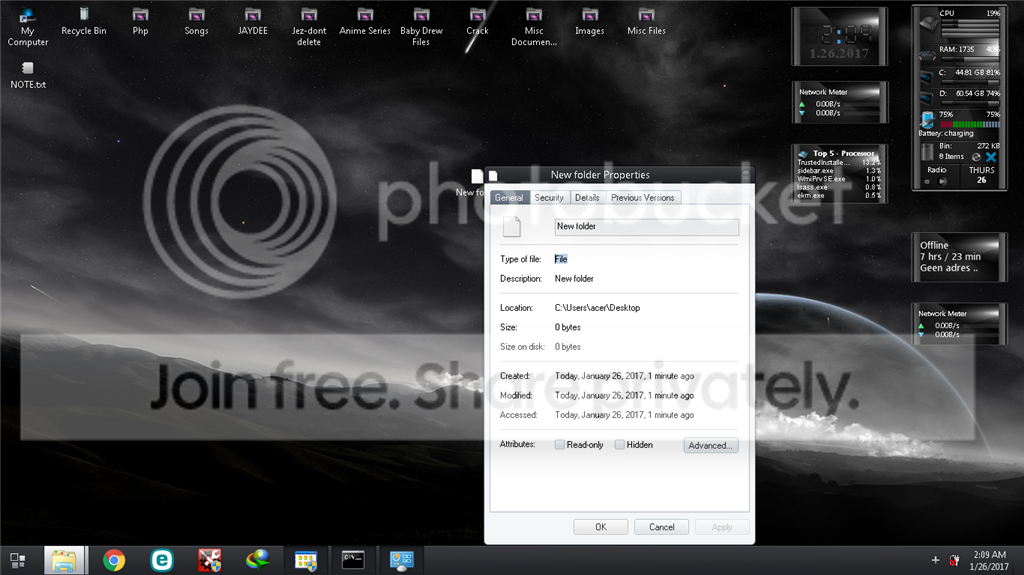
So i've tried to create a new folder earlier this morning but suddenly every time i created a new folder it just creates a file named "New Folder" with a file type of "File" rather than "File Folder". Please help so confused while searching the web if i do anything further might end up much worst.

My Computer
At a glance
Windows 7 Ultimate 32bit
- Computer type
- Laptop
- Computer Manufacturer/Model Number
- Acer
- OS
- Windows 7 Ultimate 32bit


