
garlicknots
New member
- Local time
- 9:13 AM
- Messages
- 1
Hello,
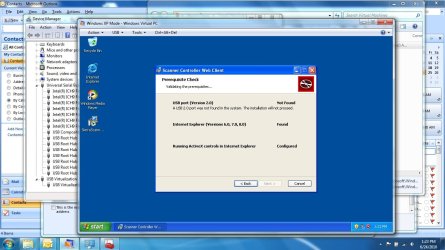
We would like to get our Panini Vision X check scanner working in XP mode inside Windows 7. Unfortunately as I begin the installation for the check scanner in XP mode I get the error in picture #1. The error is that a USB 2.0 port is not found so the installation will not continue. Obviously I have a usb 2.0 port on my computer but XP mode is not recognizing it.
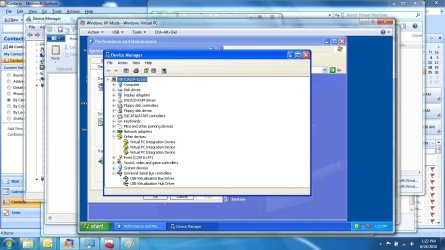
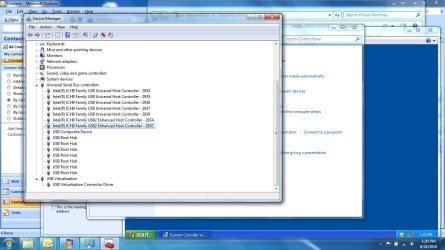
The device manager in XP mode is picture #2. And finally the device manager in Windows 7 is picture #3.
Pictures are attached.
I have downloaded and installed all the current updates for XP mode from the MSFT site.
Does anyone have any suggestions?
We would like to get our Panini Vision X check scanner working in XP mode inside Windows 7. Unfortunately as I begin the installation for the check scanner in XP mode I get the error in picture #1. The error is that a USB 2.0 port is not found so the installation will not continue. Obviously I have a usb 2.0 port on my computer but XP mode is not recognizing it.
The device manager in XP mode is picture #2. And finally the device manager in Windows 7 is picture #3.
Pictures are attached.
I have downloaded and installed all the current updates for XP mode from the MSFT site.
Does anyone have any suggestions?
Attachments
My Computer
At a glance
windows 7
- OS
- windows 7


