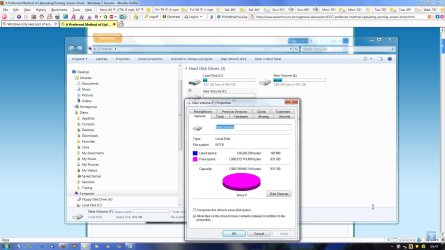
I have a new 1 Tb. Western Digital hard drive in a Rosewill USB/eSATA enclosure that I want to use for back up.
When I turn on the enclosures power switch I see an icon in the taskbar and when I hover the mouse pointer over it it says 'Safely remove hardware and eject media'.
However, when I right click on it I get a box that says 'Open device and printers'.
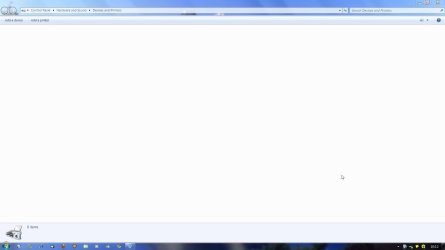
I click on that and the Device and Printers page opens but is empty. I have tried to find the USB device but it doesn't show up anywhere.
I'm worried that I can damage my motherboard or back up drive if I just keep turning the power off.
Any ideas?
Thanks.
Halfbaked
When I turn on the enclosures power switch I see an icon in the taskbar and when I hover the mouse pointer over it it says 'Safely remove hardware and eject media'.
However, when I right click on it I get a box that says 'Open device and printers'.
I click on that and the Device and Printers page opens but is empty. I have tried to find the USB device but it doesn't show up anywhere.
I'm worried that I can damage my motherboard or back up drive if I just keep turning the power off.
Any ideas?
Thanks.
Halfbaked
My Computer
At a glance
Windows 7 Pro x64i5 2430M6 G'sNVidia GE Force 540M
- Computer Manufacturer/Model Number
- Dell XPS 15 L502X
- OS
- Windows 7 Pro x64
- CPU
- i5 2430M
- Motherboard
- Dell 0NJT03
- Memory
- 6 G's
- Graphics Card(s)
- NVidia GE Force 540M
- Sound Card
- Nvidia High Definition Audio
- Monitor(s) Displays
- Asus VW246H
- Screen Resolution
- 1920 x 1080
- Hard Drives
- Toshiba MIK5061 GSY
- Case
- Dell
- Cooling
- Air only
- Keyboard
- Dell
- Mouse
- MS Laser
- Internet Speed
- broadband 15 Mbit/s