
loboblanco
New member
- Local time
- 11:00 PM
- Messages
- 14
After the latest update from WSE (today, 6, July) WSE will not start up it's window, either from the taskbar pinned icon, or, by asking the file to open.
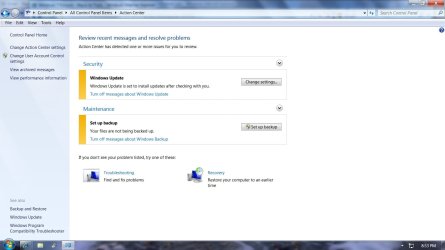
I have checked with the "troubleshooter" and no problems are listed.
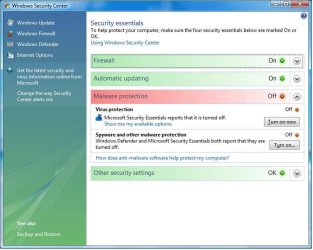
Checking system security, states that everything is fine.
To repeat, nothing seems to open the WSE window, even tho' my system says everything is okay.
All the files are there, seen by checking with explorer.
Has anyone else experienced this problem?
Plus, any advice appreciated.
Thanks in advance for your help.
I have checked with the "troubleshooter" and no problems are listed.
Checking system security, states that everything is fine.
To repeat, nothing seems to open the WSE window, even tho' my system says everything is okay.
All the files are there, seen by checking with explorer.
Has anyone else experienced this problem?
Plus, any advice appreciated.
Thanks in advance for your help.
My Computer
- Computer Manufacturer/Model Number
- Custom Built PC
- OS
- Windows 7 Ultimate X 64
- CPU
- Intel Quad Core Code “Kentsfield”
- Memory
- 4 GB
- Graphics Card(s)
- Nivida GTS 450
- Sound Card
- Nividia GTS 450
- Monitor(s) Displays
- ViewSonic VA 1948 Series
- Screen Resolution
- 1440 X 900
- Hard Drives
- 1 TB Hitachi
- Cooling
- Dual Fan
- Keyboard
- Standard PS/2
- Mouse
- Standard PS/2



 ...
...


