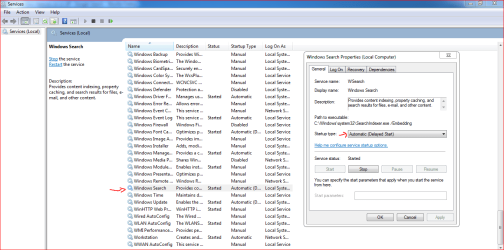
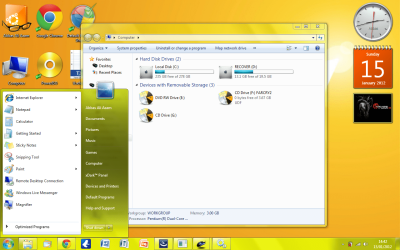
This is my first time at 7forums so...
I just noticed that in start the search thing has gone? I have checked windows turn on features and there is windows search but when i tick that nothing happened =(
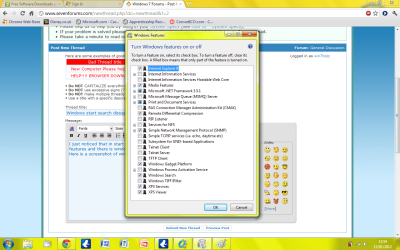
Here is a screenshot of windows feature just to show...
Can anyone please help???
I just noticed that in start the search thing has gone? I have checked windows turn on features and there is windows search but when i tick that nothing happened =(
Here is a screenshot of windows feature just to show...
Can anyone please help???
My Computer
At a glance
Windows 7 Ultimate x32
- OS
- Windows 7 Ultimate x32