seasoned vet
New member
- Local time
- 8:45 AM
- Messages
- 6
i checked to make sure my PC was fully updated -- it was
double checked to see if KB2852386 was installed -- it was
still no Windows Update Cleanup option
i uninstalled KB2852386
rebooted
reinstalled it
rebooted
still nothing
i read countless threads on using cleanmgr.exe sageset:10 to enable the checkbox
box checked, i hit ok
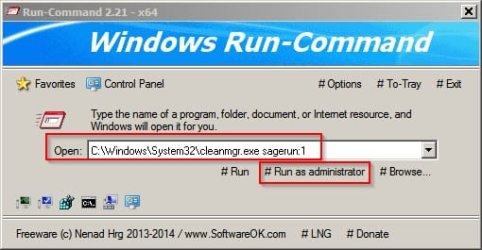
but when i try cleanmgr.exe sagerun:10 i get the scanning dialog box, but once its done scanning it disappears.
created an event in event manager
same thing, i get a scanning dialog box but no option to delete anything
ive also read that if you dont have any updates to delete then the option wont show up
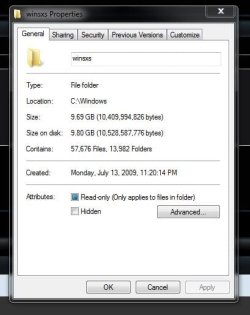
but my winsxs folder is at 13.5gb right now
any and all help would be greatly appreciated
double checked to see if KB2852386 was installed -- it was
still no Windows Update Cleanup option
i uninstalled KB2852386
rebooted
reinstalled it
rebooted
still nothing
i read countless threads on using cleanmgr.exe sageset:10 to enable the checkbox
box checked, i hit ok
but when i try cleanmgr.exe sagerun:10 i get the scanning dialog box, but once its done scanning it disappears.
created an event in event manager
same thing, i get a scanning dialog box but no option to delete anything
ive also read that if you dont have any updates to delete then the option wont show up
but my winsxs folder is at 13.5gb right now
any and all help would be greatly appreciated
My Computer
- Computer type
- PC/Desktop
- Computer Manufacturer/Model Number
- custom
- OS
- Windows 7 64bit
- CPU
- AMD 64x2 5200+ 2.7ghz
- Memory
- 4gb
- Browser
- firefox